White background for Etsy listings
Consistent studio-style whites for handmade and vintage shops — without a photo studio.
Before and after
Examples from our own demo images — original on the left, cut-out on the right.

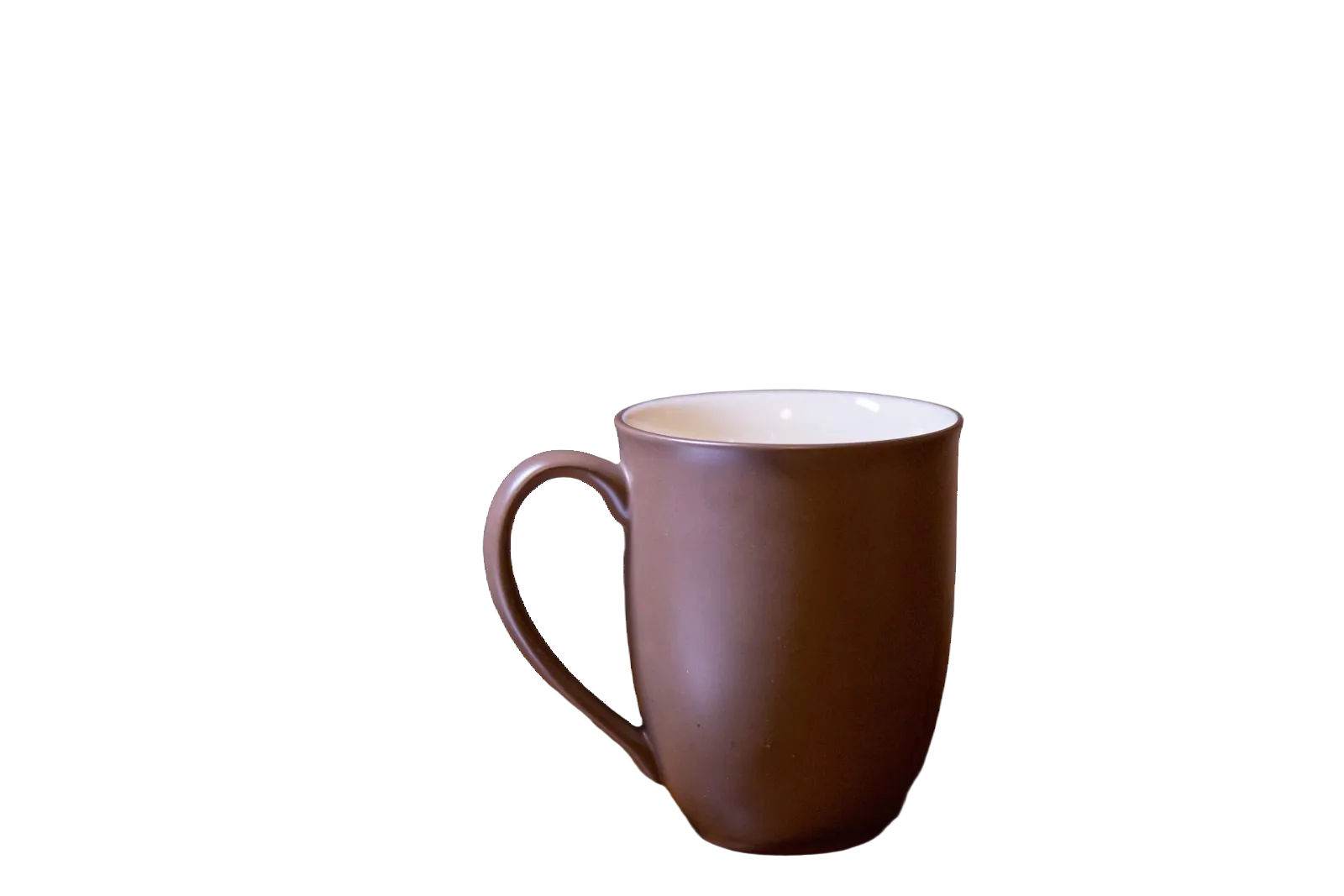
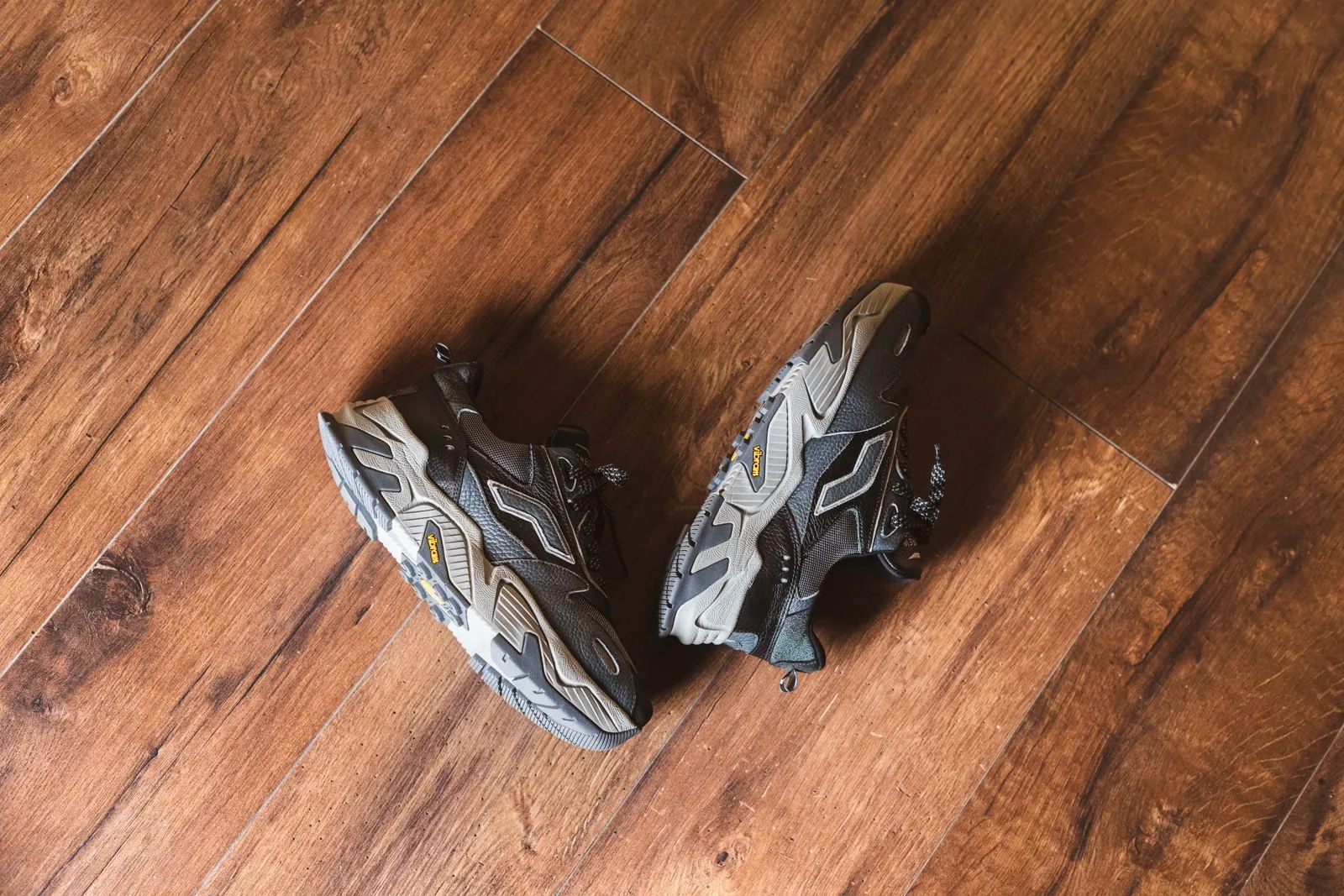
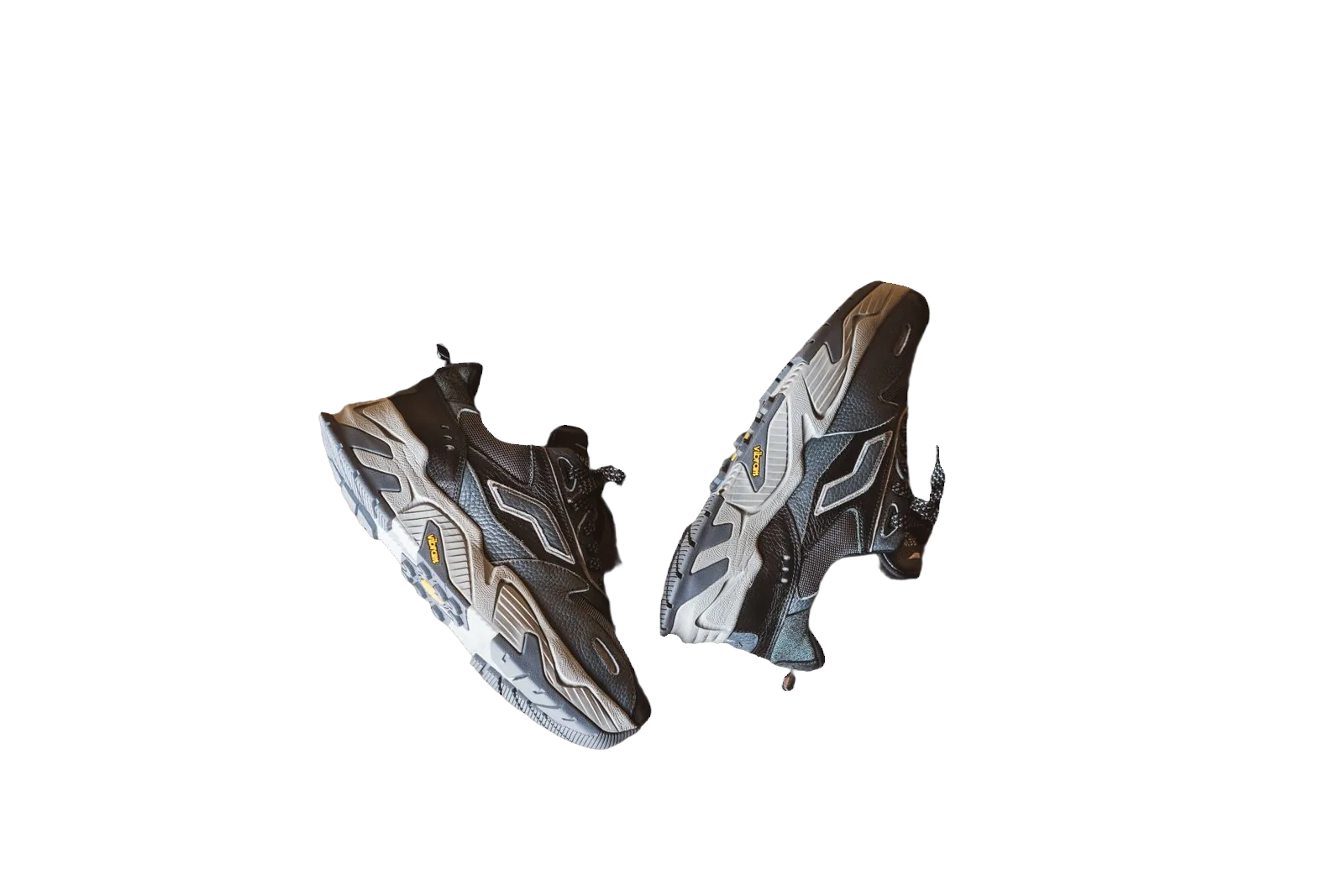
Etsy shoppers browse dense grids of handmade, vintage and craft supply photos. A clean white or light neutral background helps your work stand out without looking over-processed. Unlike Amazon’s strict pure-white main-image rules, Etsy leaves more creative room — but consistency across a shop still builds trust.
bgready removes busy home studios, patterned fabric and uneven kitchen counters so you can present every listing on a shared white field. Keep secondary photos for texture close-ups and lifestyle context.
Why white works on Etsy
Many successful shops use a simple backdrop so colour and craftsmanship read clearly on mobile. White reflects light back into soft materials, reduces colour casts from wood tables and makes digital colour matching easier when you sell multiple variants. It also pairs well with Etsy’s search and category browsing, where thumbnails are small.
You do not need a professional sweep. Shoot near a window, remove the background and place the cut-out on white. Add a soft contact shadow in the editor if the product should feel grounded rather than floating.
A practical workflow for makers
- Photograph each item in the sharpest light you have — natural side light often suits ceramics and textiles.
- Upload to bgready and generate a cut-out preview.
- Set a white background (or a very light grey if your brand prefers a softer studio look).
- Export HD for your listing; keep a transparent PNG if you also design packaging or ads.
For apparel and soft goods, check edges around frayed fabric and fringe. For jewellery, watch fine chains — zoom the preview before you publish.
Listing strategy: primary vs extra photos
Use a white (or consistently light) primary image so returning buyers recognise your shop style. Add process shots, scale references (item in hand) and styled scenes in additional slots. AI product backgrounds in bgready can produce seasonal scenes when you need campaign creative without a second shoot — see AI product photo backgrounds.
Preparing photos before upload
Wipe dust from products; dust becomes obvious on white. Avoid mixed colour temperature (warm lamp + cool window) that tints whites yellow or blue. If you shoot multiples for a variation listing, keep camera distance constant so sizes feel comparable in search.
Phone photographers can follow our guide How to shoot product photos with a phone. For platform rules overview, see marketplace requirements (2026) and Etsy’s own seller help on listing photos.
Scaling a growing shop
When your catalogue expands, multi-upload and bulk background removal save time. If you also sell on Amazon or eBay, reuse the same cut-out: transparent master, white composite per channel. That avoids reshooting for each marketplace.
Related pages
See also white background for Amazon, white background for eBay and transparent PNG maker.
Open the editor with a listing photo and produce a clean white primary image for your next Etsy update.
Ready to try it?
Upload a product photo and get a free preview cut-out.
Make white-background photosFAQ
Does Etsy require a white background?
Etsy does not require pure white for every listing, but clean, consistent photos help conversion. Many sellers use white or light neutrals for primary images.
Can I keep a lifestyle scene as well?
Yes. Use a white primary image for clarity and additional photos or AI scenes to show scale and context.
What resolution should I use?
Upload the highest quality source you have. Download HD when you need full resolution for your listing.
Is this suitable for handmade items with soft edges?
Yes. Soft materials and irregular shapes are common product cases; preview the cut-out before you publish.