AI product photo backgrounds
After the cut-out, generate studio or lifestyle scenes without a photoshoot.
Before and after
Examples from our own demo images — original on the left, cut-out on the right.
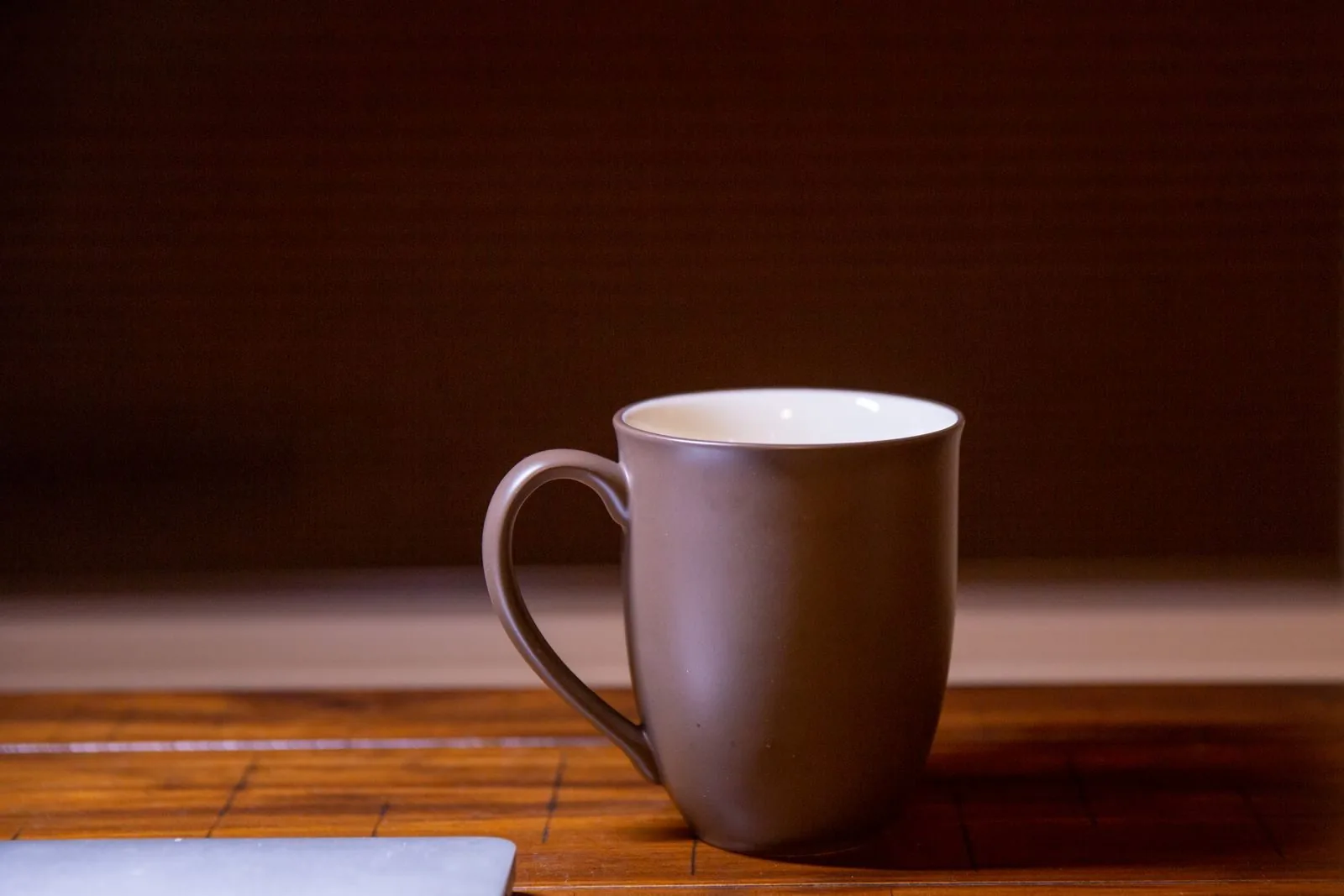
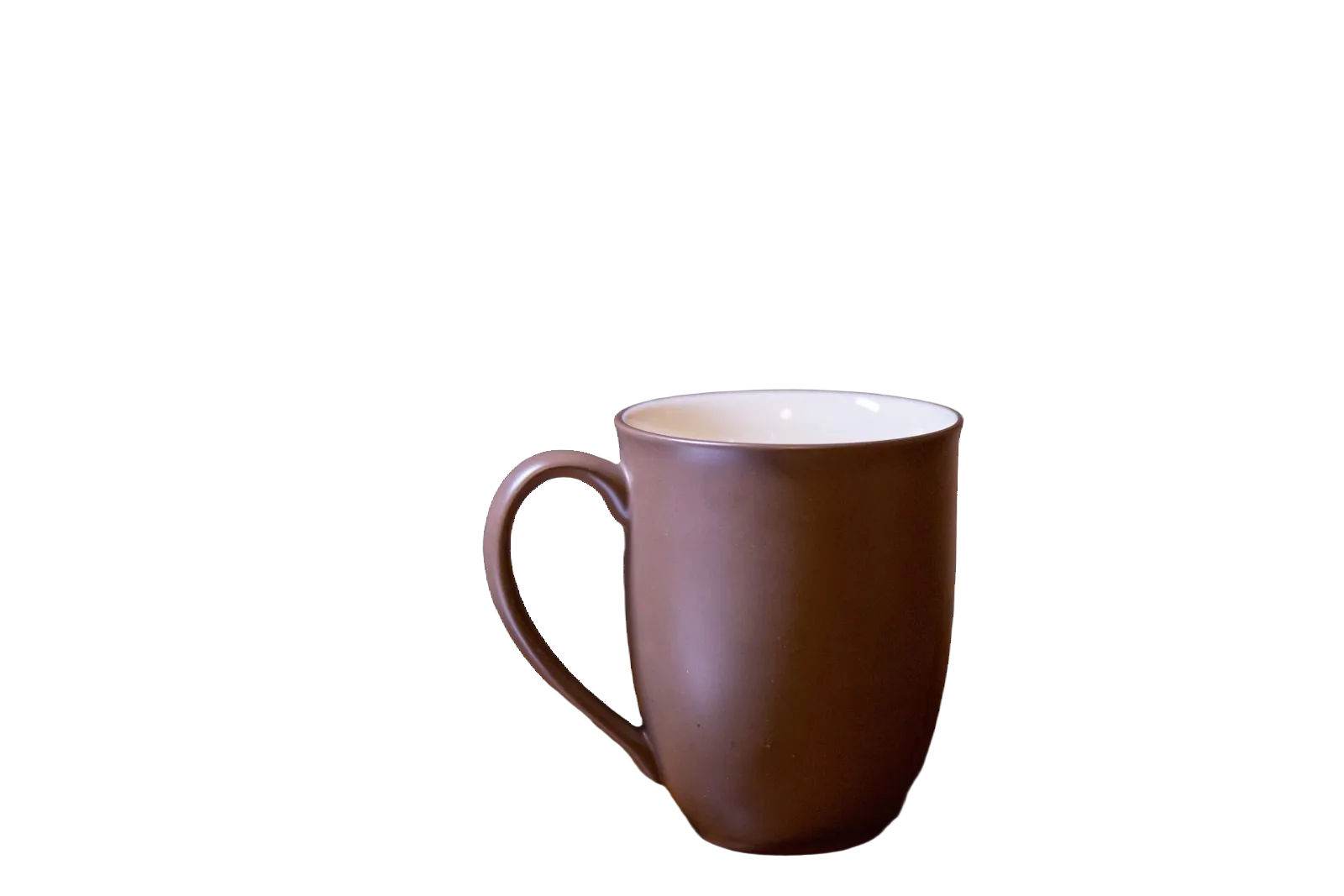
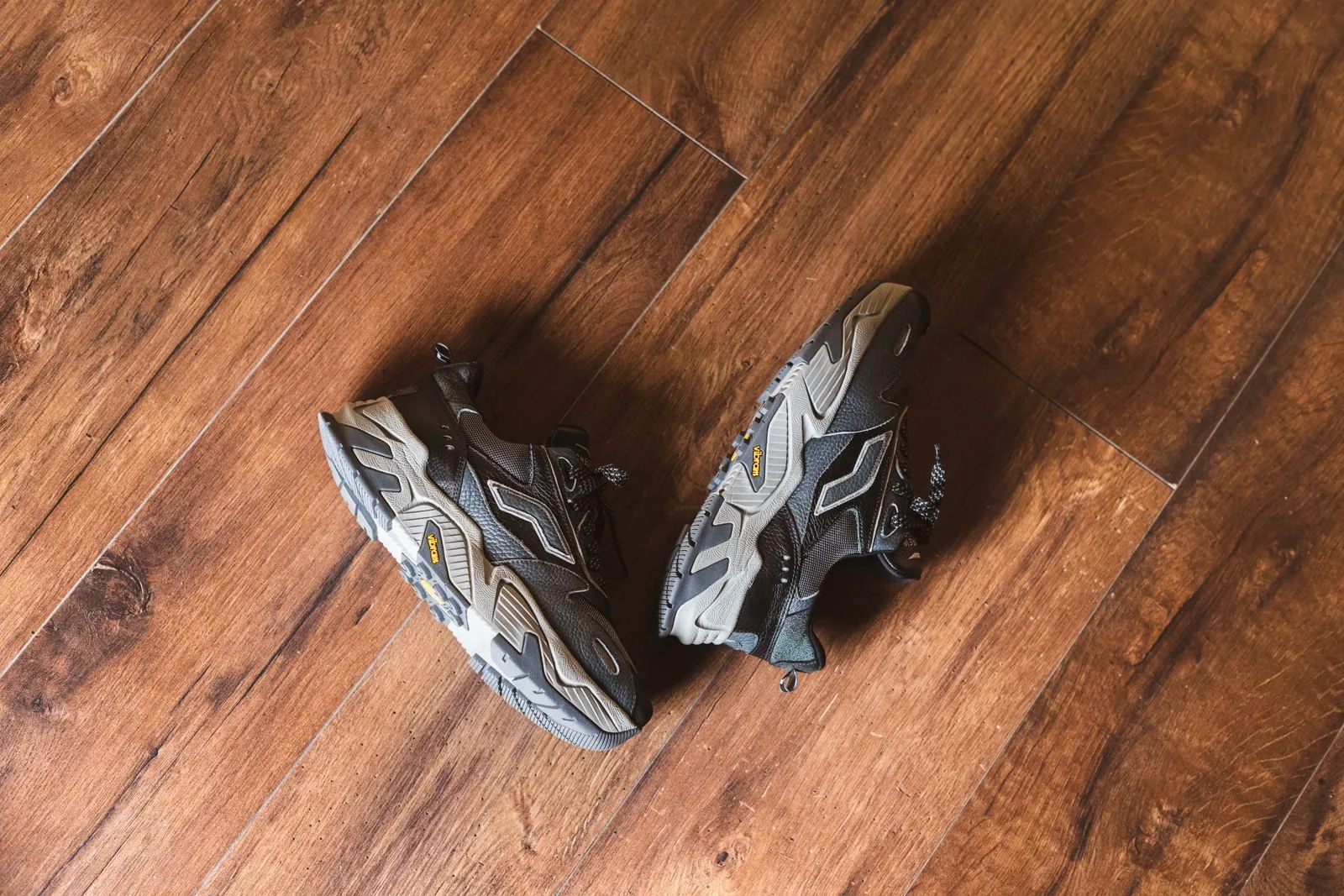
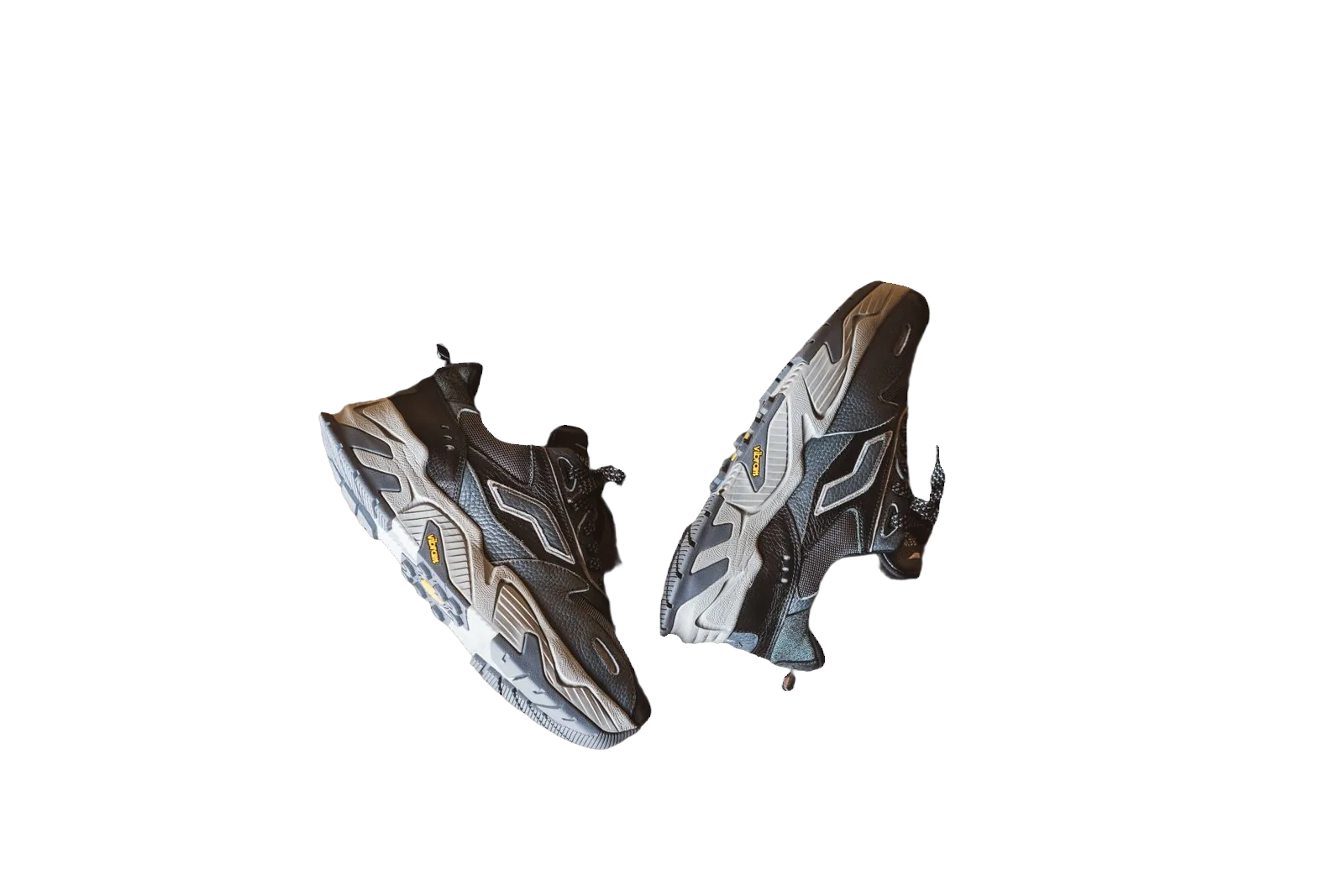
Studio rental, props and travel add cost to every campaign. AI product photo backgrounds let you place a real cut-out into a new scene — marble, wood, linen, outdoor light — while keeping the product authentic. bgready separates the steps: first remove the original background, then generate or select a scene so edges and contact shadows can match.
Cut-out first, scene second
AI fill works best on a clean subject. If the original kitchen counter remains, the model has to fight two environments. Remove the backdrop, confirm the silhouette, then choose:
- Prompt presets — studio concrete, luxury marble, wood, flat lay and more
- Custom prompts — describe the surface and lighting you need
- Stock surfaces — photographic textures when you want predictability
- Solid colours — including pure white for marketplaces
That order keeps ecommerce truthfulness: the product pixels stay yours; only the environment changes.
When AI scenes help
Use AI backgrounds for hero banners, paid social, lookbooks and seasonal landing pages. Keep marketplace main images simple — often pure white — and reserve AI scenes for brand channels. Mixing both from one cut-out is normal: white for Amazon, lifestyle for the storefront.
If you sell handmade goods, AI scenes can show a product “on a desk” or “near a window” without staging every SKU. Always review results for odd reflections or distorted props before publishing.
Credits and quality control
AI generation consumes credits as listed on pricing and in the editor. Cut-out previews remain available within free preview rules. Zoom the output: check where the product meets the new surface, and regenerate if lighting direction conflicts with the product’s original highlights.
Avoid prompts that invent a different product. Describe the environment only. For regulated categories (supplements, toys, medical), follow advertising rules in your market — AI scenery does not change compliance obligations.
Practical recipe
- Shoot or source a sharp product photo.
- Remove the background in bgready.
- Pick a preset or write a short scene prompt.
- Generate, compare variants if needed, download HD.
Pair with transparent PNG maker when designers will composite elsewhere, or white background for Etsy when the listing should stay minimal.
Catalogue at scale
AI scenes are usually selective — applied to bestsellers — while bulk white cut-outs cover the long tail. Automate removals with bulk background removal or the API, then run scenes on the SKUs that need campaign creative.
Related reading
See remove background from product photos and transparent vs white background.
Open the editor, create a cut-out and try an AI scene on a product you already sell.
Brand safety and review habits
Create a short internal checklist before AI scenes go live: correct product, no invented logos in the environment, shadows that do not contradict the product’s lighting, and no sensitive landmarks you do not have rights to imply. Keep a human in the loop for regulated claims. Save prompt text next to the SKU so you can regenerate seasonally with the same language.
AI backgrounds complement — they do not replace — honest scale photos. Shoppers still need a hand, ruler or model shot when size is ambiguous. Use scenes for mood; use documentary images for truth.
Ready to try it?
Upload a product photo and get a free preview cut-out.
Create an AI sceneFAQ
Do I need a cut-out first?
Yes. Remove the original background, then generate or choose a new scene so the product sits cleanly in the frame.
What kinds of scenes can I create?
Use prompt presets (studio, marble, wood, flat lay and more) or write your own description. Stock surfaces are also available.
Does AI generation use credits?
Yes. AI scene generation consumes credits as shown in pricing and the editor. Previews of the cut-out itself remain free within site limits.
Can I still use plain white?
Absolutely. White and solid colours remain available alongside AI scenes and stock backgrounds.