Transparent PNG maker
Export product cut-outs with an alpha channel for design tools, sites and ads.
Before and after
Examples from our own demo images — original on the left, cut-out on the right.

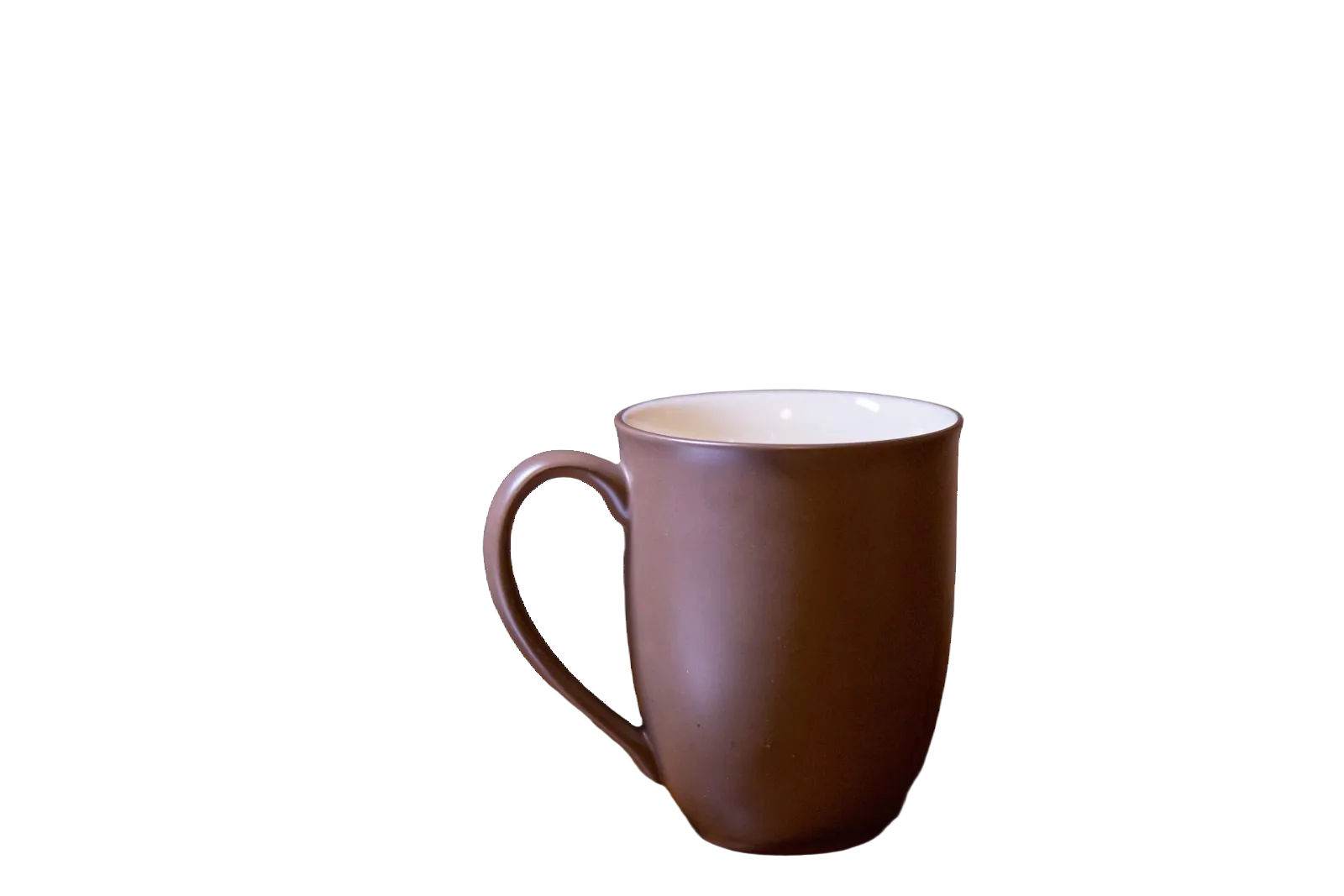
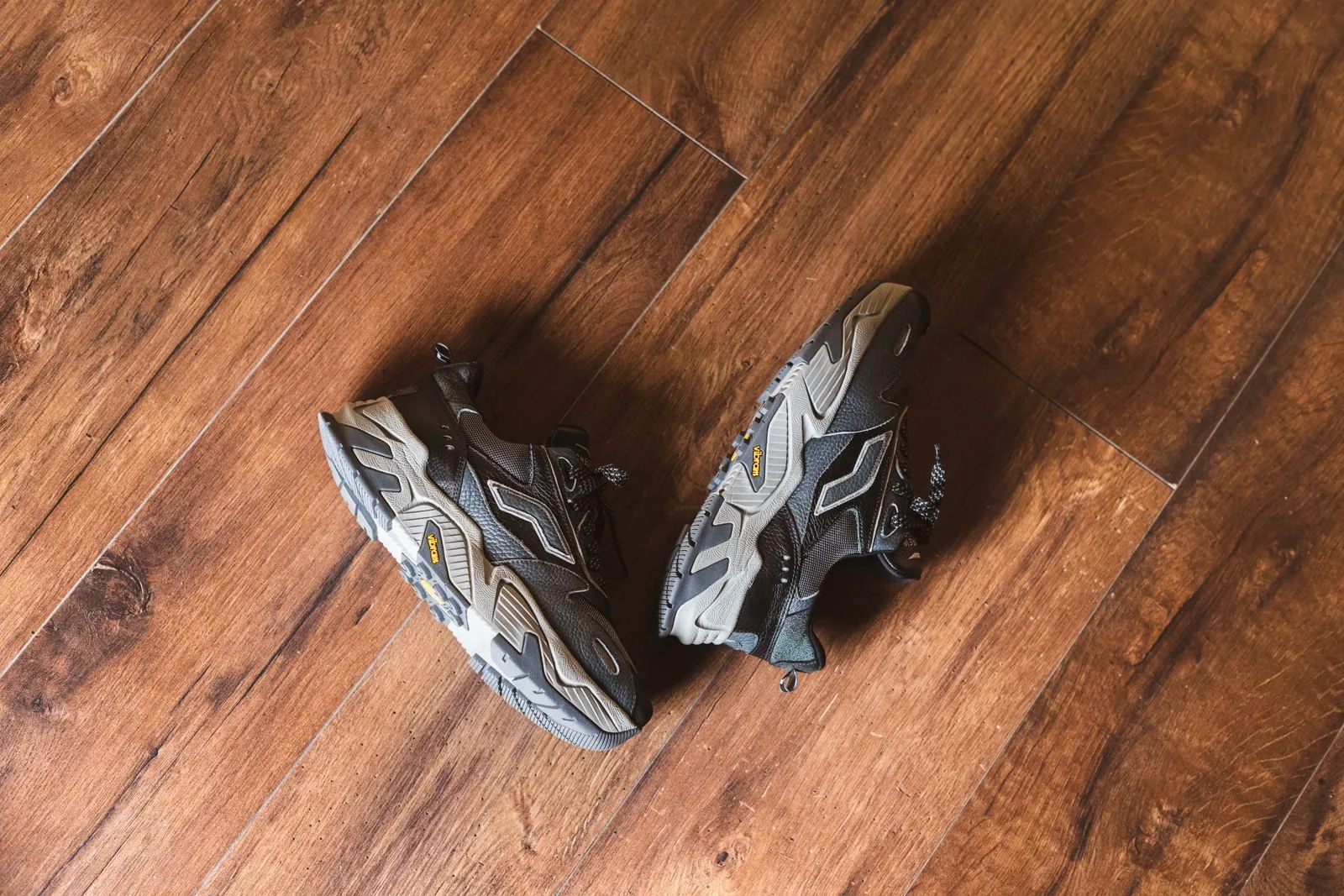
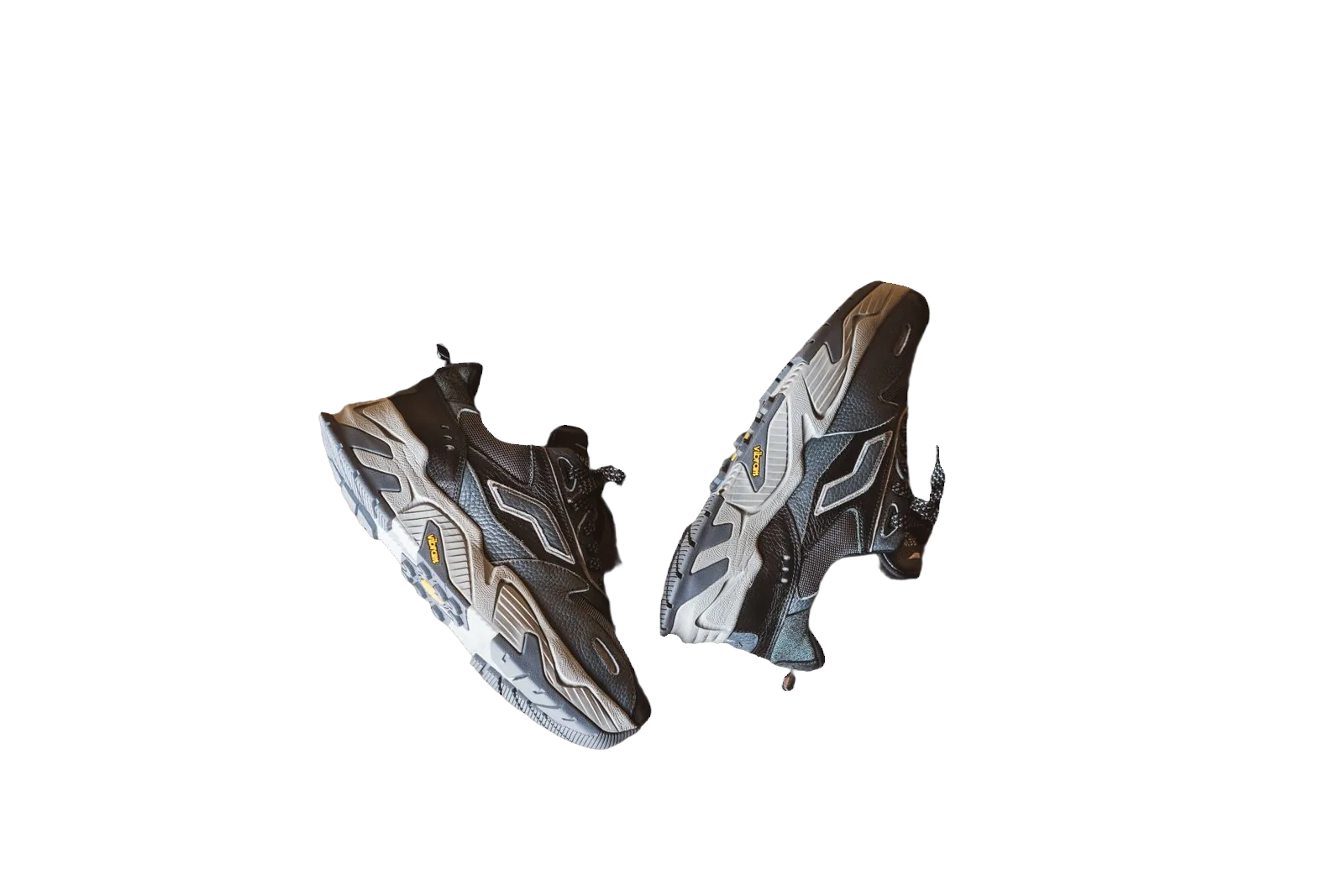


A transparent PNG keeps the product and discards the backdrop by storing an alpha channel. Designers drop that file onto coloured sites, videos and ads without re-cutting. bgready is a transparent PNG maker for product photos: upload, remove the background, download PNG with transparency preserved.
Transparent vs white — pick with intent
Transparent masters are flexible. White composites satisfy marketplace rules that demand RGB 255 backgrounds. Many teams keep both: a transparent PNG as the source of truth, plus white JPG/PNG derivatives per channel. Read the full comparison in Transparent vs white background.
If you only need Amazon main images, you can composite straight to white — white background for Amazon. If your Shopify theme uses coloured cards, transparency usually looks better.
How to make a transparent PNG in bgready
- Upload a product photo from the home page.
- Wait for the cut-out preview (shown on a checkerboard so transparency is visible).
- Open the editor to refine soft edges if needed.
- Download PNG (HD when you require full resolution).
You can still switch to white or an AI scene later without re-uploading — the cut-out remains the base layer.
Edges that matter
Hair, fur, smoke, glass and thin straps are the hard cases. Preview at 100% before you hand files to design. For apparel on mannequins, ensure gaps between arm and torso are truly empty if the theme background should show through. For packshots, watch barcode labels that should stay on the product, not fall into the alpha.
Using transparent PNGs downstream
- Web — place on CSS backgrounds; export WebP when you need smaller files with alpha where supported.
- Print adjacent — confirm your print pipeline accepts PNG alpha or flatten onto white first.
- Ads — keep a padded canvas so motion templates do not clip the subject.
- Marketplaces — flatten to white when the channel forbids transparency.
Batching transparent masters
Catalogues should standardise on transparent masters before channel exports. Use bulk background removal or the API to produce PNG alphas at scale, then run a separate resize step for each destination.
Shooting for better alphas
Even light and a contrasting backdrop improve masks. A light product on a dark cloth (or the reverse) gives the model a clearer boundary. Avoid heavy compression before upload. Phone tips: How to shoot product photos with a phone.
Related pages
Continue with remove background from product photos, AI product photo backgrounds or marketplace whites for Etsy and eBay.
Upload a photo and download a transparent PNG preview to see the cut-out on checkerboard before you commit to HD.
Hand-off to design and marketing
Deliver transparent PNGs with a short note: colour space, approximate pixel size and whether shadows are included. Marketing often flattens to white for email; design keeps alpha for web. Agree on padding (safe margin around the subject) so motion templates and text wraps do not collide with edges.
If a partner asks for PSD with layers, a transparent PNG is still the fastest honest hand-off from an automated cut-out — they can place it as a smart object. For print vendors that reject alpha, flatten onto white yourself before sending.
Ready to try it?
Upload a product photo and get a free preview cut-out.
Make a transparent PNGFAQ
What is a transparent PNG?
A PNG with an alpha channel so the background is see-through. Place the subject on any colour, page or video frame.
When should I use transparent vs white?
Use transparent for design flexibility; use pure white when a marketplace asks for a white main image. See our guide comparing both.
Can I convert transparent to white later?
Yes. Keep the cut-out and composite onto white (or any colour) in the editor without re-uploading.
Do you support WebP?
Yes. Download options include PNG, JPG and WebP depending on the background mode you choose.