Bulk background removal
Process catalogues faster with multi-upload, batches, API jobs and store integrations.
Before and after
Examples from our own demo images — original on the left, cut-out on the right.



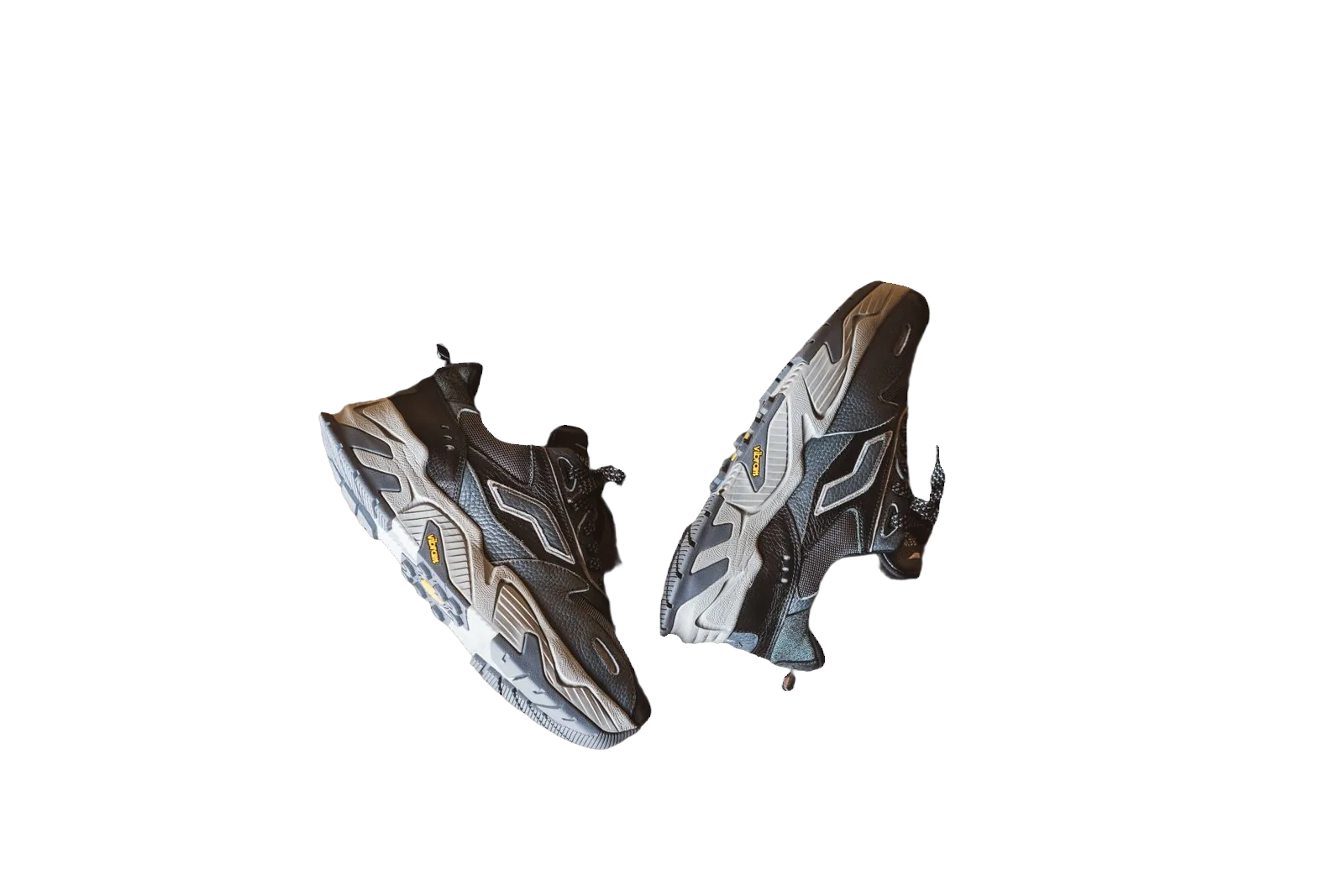

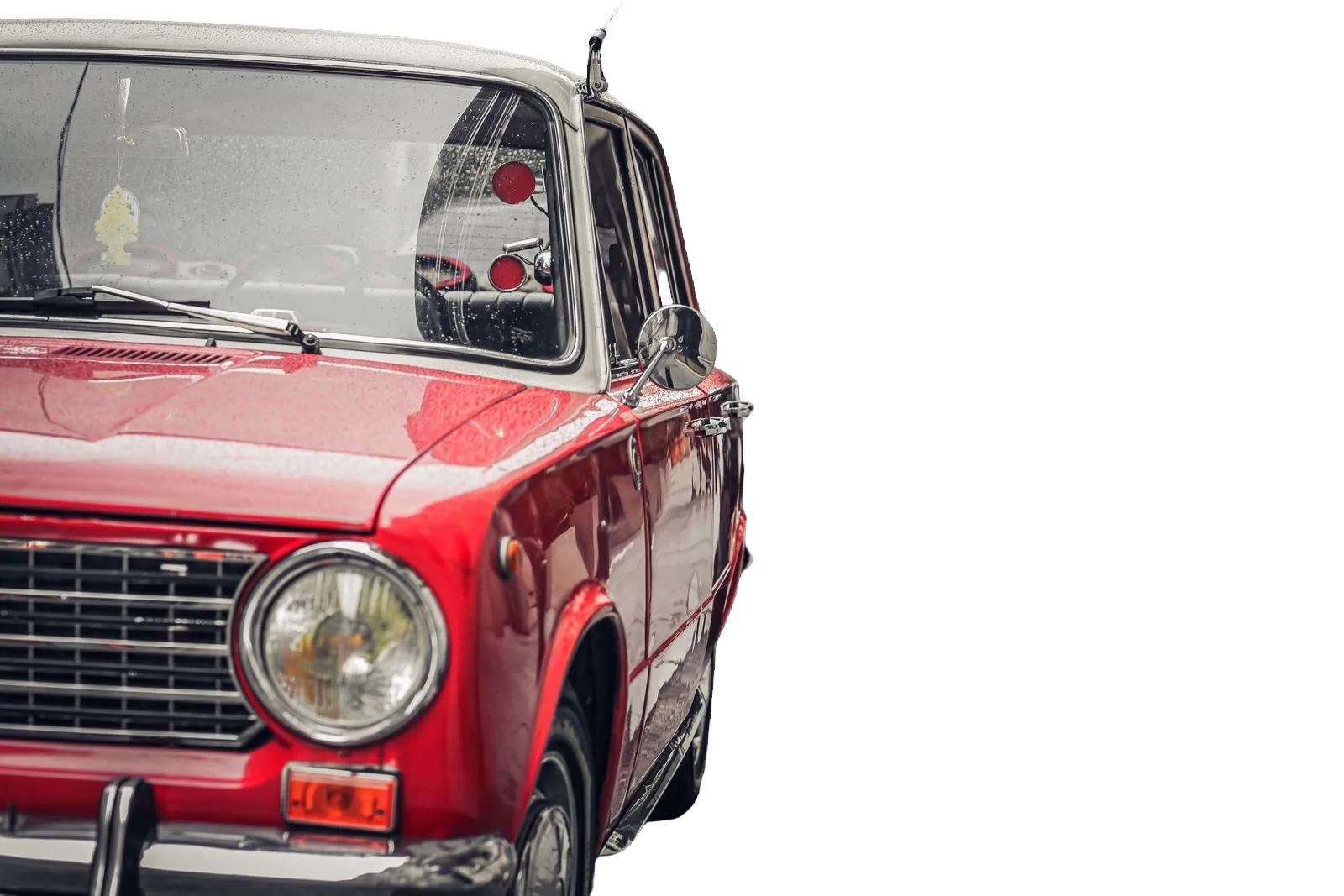
One-off background removal is fine for a handful of SKUs. Catalogues need bulk background removal: predictable inputs, parallel jobs and downloads you can hand to a marketplace spreadsheet or CMS import. bgready supports that with multi-file upload, batch pages with ZIP export, a REST API and Shopify/WooCommerce integrations.
Multi-upload on the web
From the home page, select multiple PNG, JPEG, WebP or HEIC files. Each image becomes a job you can open in the editor. For larger sets, watch batch status and download a ZIP of previews or HD results when processing finishes. That path suits seasonal catalogue refreshes without writing code.
Keep source naming sane (sku-colour-angle.jpg) so ZIP contents map back to your sheet. Apply the same background choice across the set — all white, or all transparent — before you import.
API and webhooks for pipelines
Engineering teams should call the background removal API. Send images synchronously or as asynchronous jobs, then receive signed webhooks when results are ready. Use the same API keys and credits as the website. Design retries around documented rate limits and store original URLs so you can reprocess after a prompt or preset change.
Store plugins
If products live in Shopify or WooCommerce, prefer the native integrations so new media is processed as it arrives. See Shopify background remover and WooCommerce background remover. Hybrid setups are common: plugins for daily intake, bulk ZIP for migrations.
Quality at volume
Bulk fails when inputs vary wildly. Standardise shoot distance and lighting before you remove backgrounds. Spot-check a sample of cut-outs at 100% zoom — especially white-on-white products and items with holes (handles, mesh). Fix outliers in the editor rather than lowering quality for the whole batch.
For Amazon-bound files, apply pure white and the Amazon framing preset on the SKUs that need it — white background for Amazon. Not every channel shares those rules; branch exports accordingly.
Cost and retention
Credits scale with HD unlocks and AI features you enable. Plan catalogue projects against pricing so you are not surprised mid-import. Images are deleted after the site retention window; download and archive what your business must keep.
Prep checklist
- Consistent orientation (no random rotations)
- Adequate resolution for zoom
- Rights to process every file
- Clear SKU mapping for re-import
- Decision on transparent vs white masters
Phone capture tips: How to shoot product photos with a phone.
Related pages
Continue with remove background from product photos or automate via the API.
Select a folder of product images on the home page and start a bulk clean-up today.
Migration playbook
When moving from another tool or from unmanaged Drive folders, run a pilot of 20 SKUs through upload → remove → white/transparent export → re-import. Measure minutes per SKU and edge-failure rate. Only then schedule the full catalogue overnight. Keep a spreadsheet column for “needs manual editor pass” so imperfect cut-outs do not block the ZIP for everyone else.
Communicate the retention window to teammates: results disappear from bgready after that period, so archival storage is your responsibility.
Ready to try it?
Upload a product photo and get a free preview cut-out.
Upload multiple photosFAQ
How do I upload many files?
On the home page, choose multiple images in the file picker. Larger pipelines should use the API or Shopify/WooCommerce integrations.
Can I download a ZIP of results?
Batch jobs support ZIP download for preview or HD results once processing finishes.
Is there a rate limit?
Anonymous home actions and the API have rate limits. Authenticated API usage follows your plan and documented limits.
What if one image fails?
Other images in a batch continue. Check the batch or job status for errors and re-upload the failed file.