Remove background from product photos
Clean cut-outs for catalogues, marketplaces and ads — transparent, white or a new scene.
Before and after
Examples from our own demo images — original on the left, cut-out on the right.

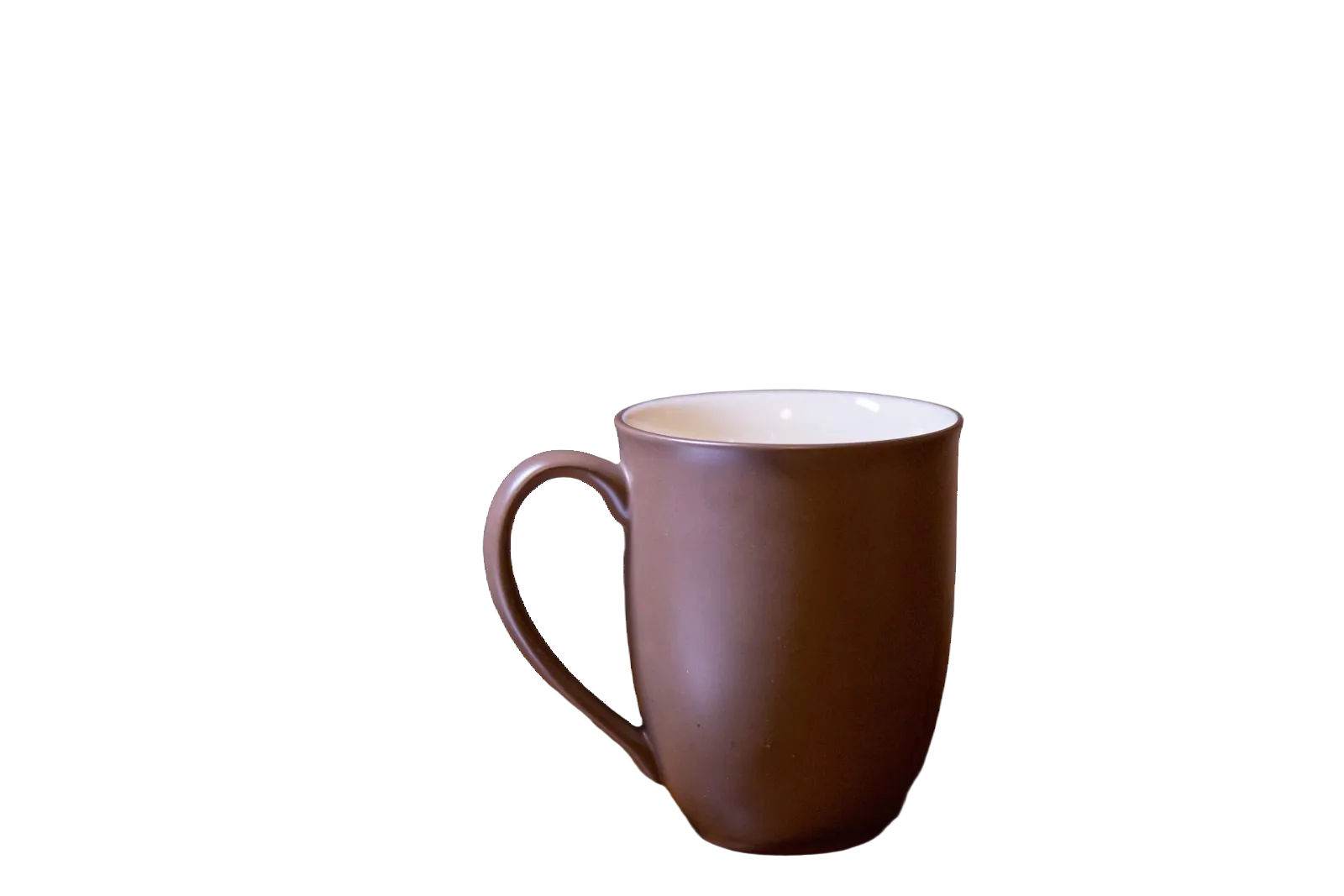
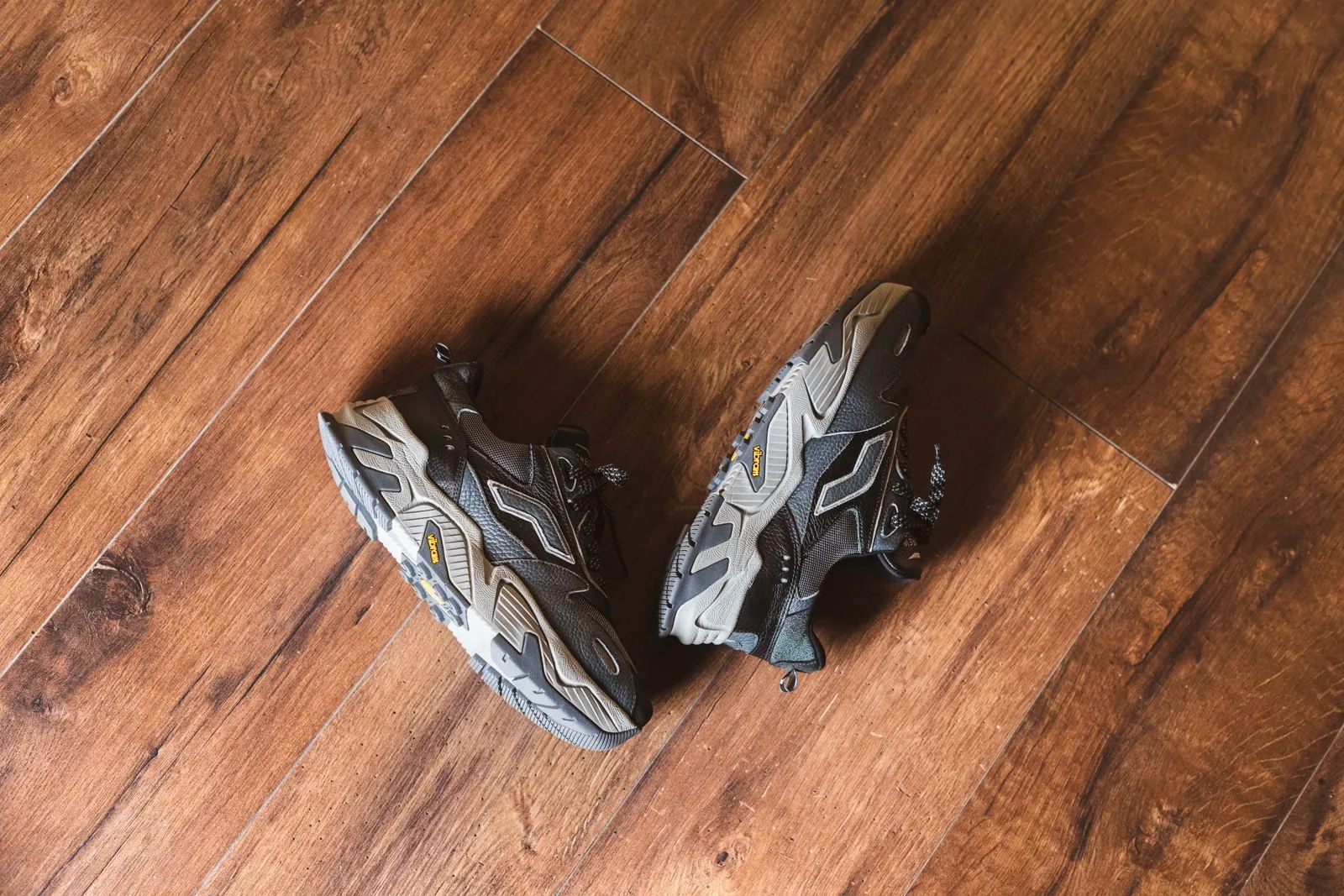
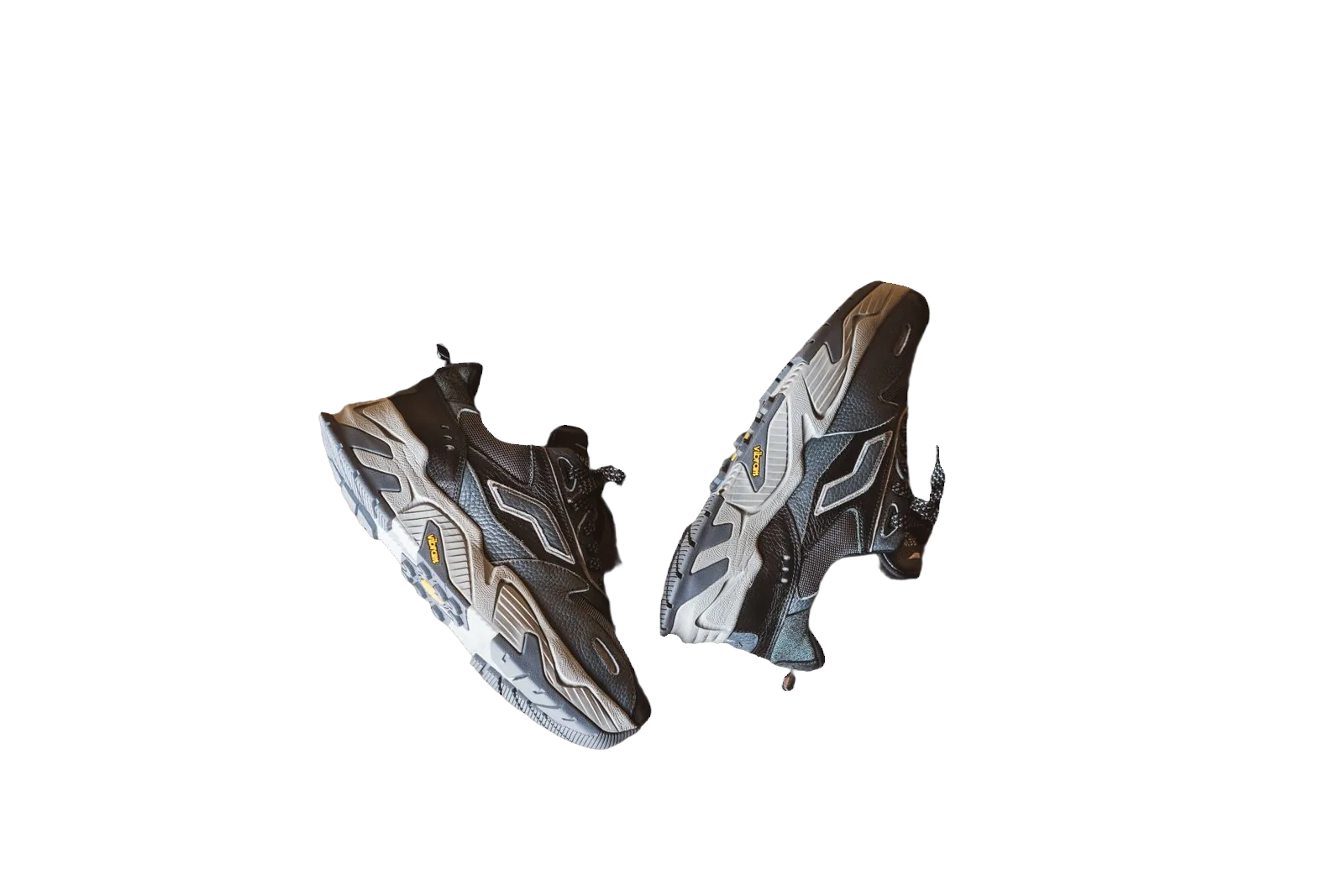

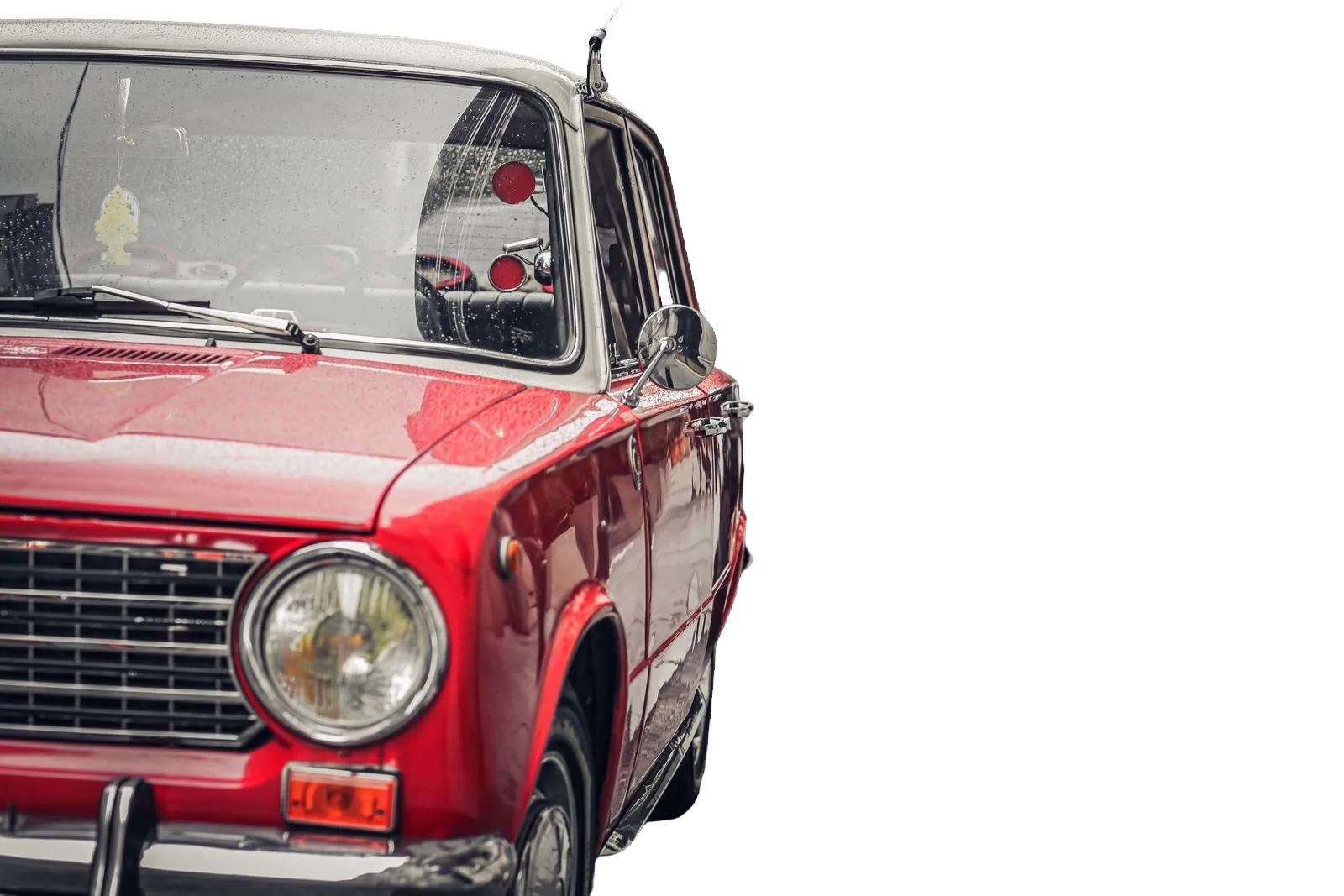
Product photos sell when the subject is clear and the backdrop stays out of the way. Cluttered tables, wrinkled paper and mismatched room light distract buyers and make a catalogue look inconsistent. Removing the background gives you a clean cut-out you can place on white for marketplaces, keep as a transparent PNG for design, or drop into a new scene for ads and social.
Why product photos need clean backgrounds
Ecommerce grids reward consistency. When every SKU sits on the same clean field, shoppers compare products instead of rooms. Marketplaces often prefer simple main images; brand sites need assets that work on light and dark themes. A reliable cut-out is the shared starting point for all of those uses.
bgready is built for that workflow. Upload a product photo, get a Studio AI cut-out, then choose transparent, pure white or another background in the editor. Previews are free within site limits; unlock HD when you are ready to publish.
How background removal works here
- Upload one image or several from the home page.
- Wait a few seconds for the cut-out preview.
- Open the editor to refine edges, set size and pick a background.
- Download a preview or HD file in PNG, JPG or WebP.
You do not need a green screen. Soft shadows under the product can be added later if you want a grounded look on white. For lifestyle creative, generate an AI scene after the cut-out so lighting and contact shadows match the new environment.
Good source photos
Background removal works best when the product is sharp, well lit and separated from the backdrop. Shoot against a plain wall if you can, but even busy photos are usable when the subject is in focus. Avoid heavy JPEG artefacts and extreme compression before upload. If you shoot with a phone, lock exposure so whites do not clip and keep the lens clean — small smears become large soft blobs after enlargement.
For catalogues, keep framing similar across the set: same camera height, same distance, same angle. That makes bulk processing and size presets easier later. Our guide on shooting with a phone covers lighting and framing in more detail.
White, transparent or a new scene
- Transparent PNG — best when designers will place the product on custom layouts, videos or coloured site sections.
- Pure white — best for marketplace main images that ask for RGB 255 white and a large product in frame.
- AI or stock scenes — best for hero shots, ads and seasonal campaigns without a second photoshoot.
You can switch between these outputs from the same cut-out. That means one removal job can feed Amazon white, a Shopify square and a social scene.
Catalogues and integrations
If you manage more than a handful of SKUs, use multi-upload on the home page, batch downloads, the REST API, or the Shopify and WooCommerce integrations. Those paths use the same credit model as the website and keep retention short — uploads are deleted after the retention window shown on the site.
Related reading
Explore transparent PNG maker, white background for Amazon, bulk background removal and AI product photo backgrounds. For marketplace rules, see our 2026 requirements guide.
Start with a free preview in the editor — upload a product photo and decide on white, transparent or a scene once you see the cut-out.
Ready to try it?
Upload a product photo and get a free preview cut-out.
Open the editorFAQ
How long does background removal take?
Most product photos finish in a few seconds. You get a free preview; unlock HD with credits when you are ready to download.
What file types can I upload?
PNG, JPEG, WebP and HEIC/HEIF are supported. Multi-file upload is available on the home page for small batches.
Will edges look clean on white products?
The editor is tuned for product photos, including light-on-light edges. You can refine the cut-out before download.
Do you keep my images?
Uploads and results are deleted automatically after the retention window shown on the site (currently measured in hours).