White background for eBay product photos
Clear, consistent listing images that put the item first — especially for search and mobile browse.
Before and after
Examples from our own demo images — original on the left, cut-out on the right.


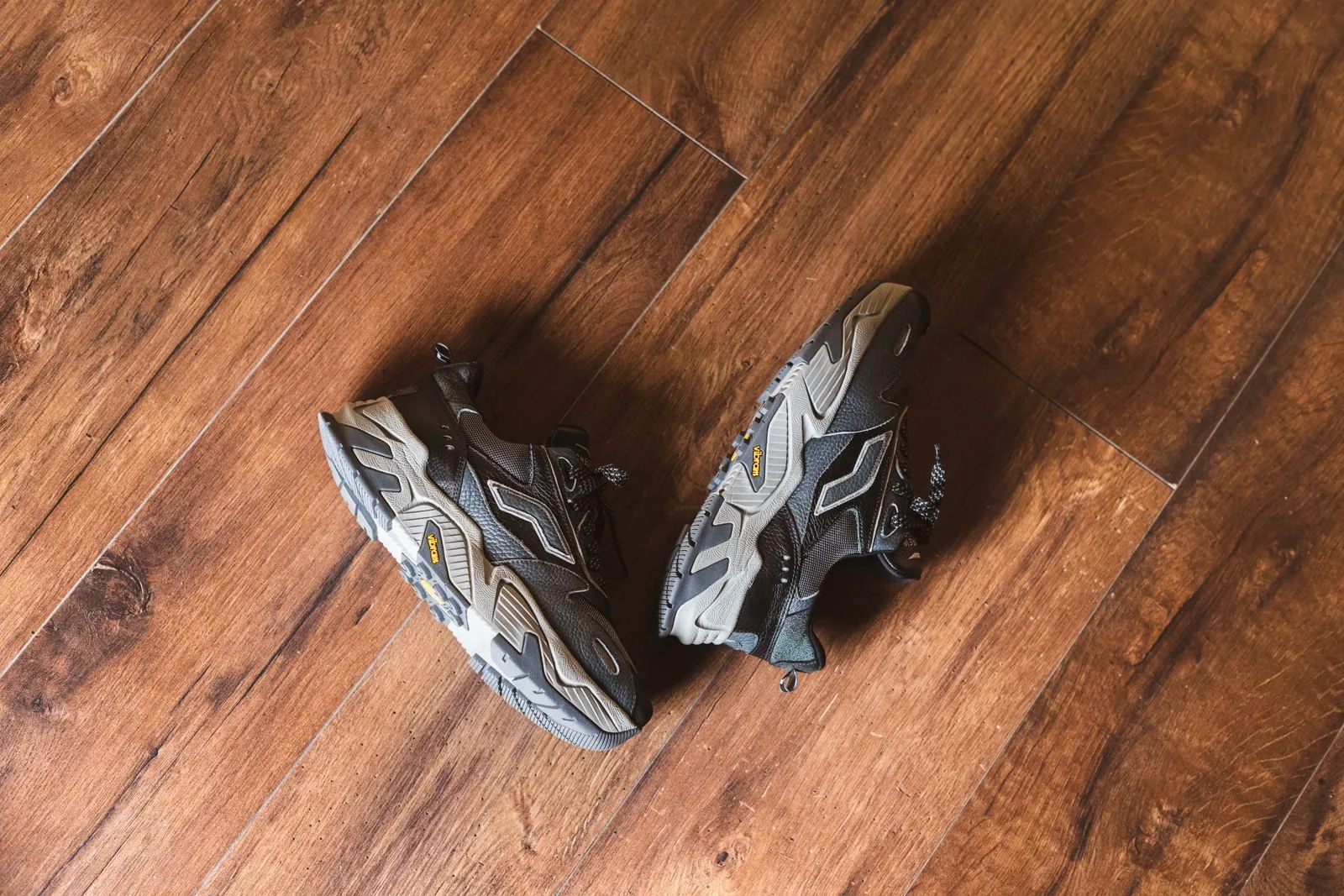
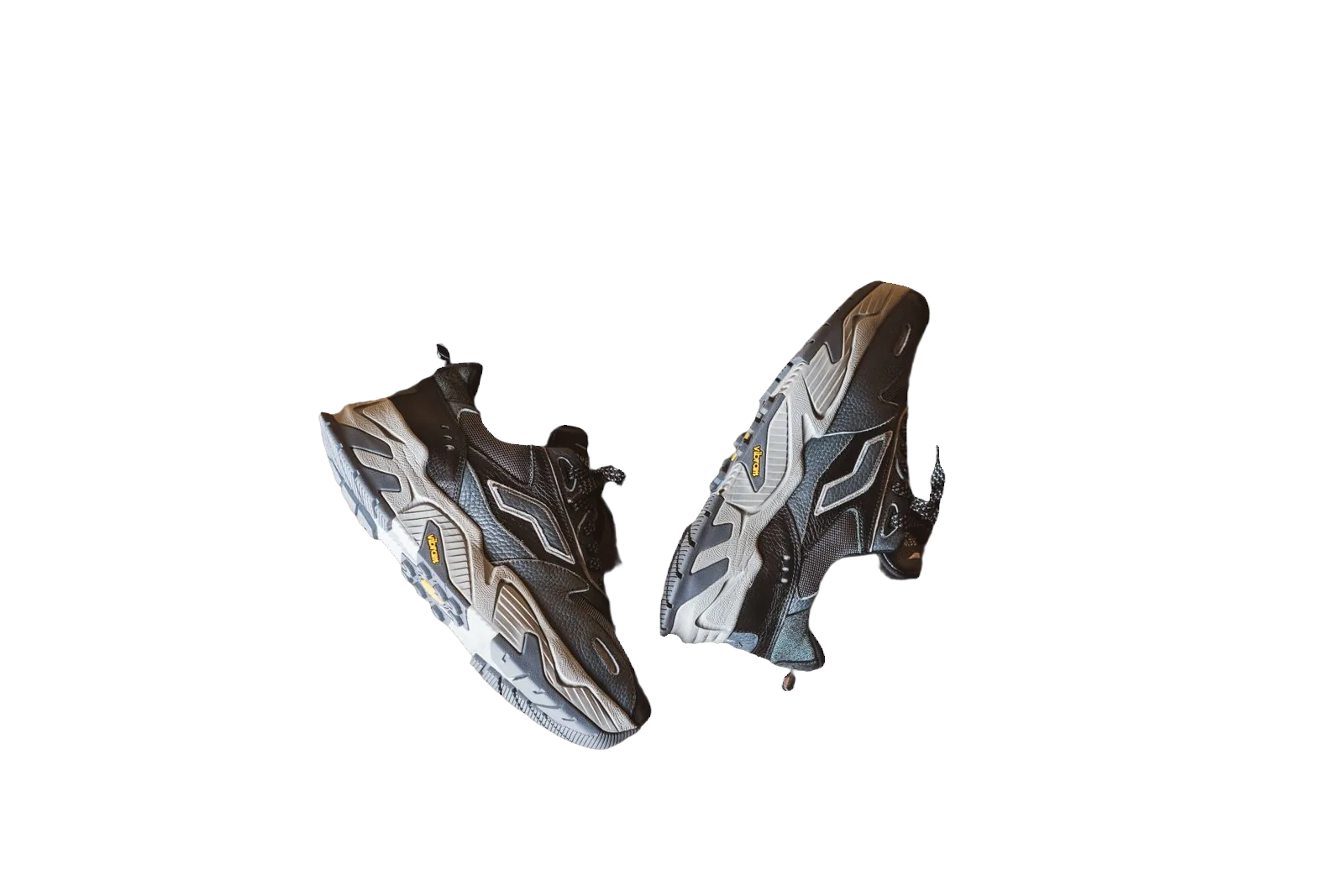
eBay listings compete in search results where shoppers scan dozens of thumbnails quickly. A busy living-room backdrop makes it harder to judge the item. A white background keeps attention on condition, colour and included accessories — especially for electronics, sneakers, collectibles and apparel.
bgready turns phone photos into clean white-background images you can upload as primary listing photos. Keep original-context shots as extras when buyers need to see wear, packaging or serial labels.
Clarity first for auction and Buy It Now
Whether you sell occasionally or run a store, clear photos reduce questions and returns. White backgrounds improve perceived honesty for used items because defects are harder to hide in shadow. For new-in-box goods, white makes brand packaging and seals easier to inspect when you crop in.
eBay’s photo guidance emphasises accurate representation and useful angles. Check current help articles for your category — policies evolve. Our 2026 marketplace guide links official resources alongside Amazon, Etsy and Shopify notes.
Step-by-step with bgready
- Capture the item in even light; include a second angle for the back or sole if relevant.
- Upload and remove the background.
- Place the cut-out on pure white for the gallery’s first image.
- Download JPG for listing upload; keep PNG if you also need transparency for promotions.
Use multi-upload when you process a whole closet or inventory lot — see bulk background removal.
Tips for common eBay categories
- Fashion — hang or lay flat, remove wrinkled bedsheets behind the garment, keep proportions truthful.
- Shoes — shoot pairs together or consistently angled singles; white helps sole colour read correctly.
- Electronics — include ports and screens in extra shots; keep the hero image uncluttered.
- Collectibles — avoid heavy filters; buyers want accurate colour on white.
If you cross-list to Amazon, remember Amazon’s stricter pure-white and framing rules and use the Amazon preset when needed — white background for Amazon.
From single sales to inventory ops
Power sellers benefit from repeatable framing: same distance, same height, same white output. Pair phone capture with background removal so you spend time on descriptions and pricing instead of staging. For automated pipelines, the background removal API accepts catalogue uploads from your own tools.
Mobile shoppers
Most browsing happens on phones. High-contrast white thumbnails remain legible on small screens. Avoid tiny subjects lost in large empty frames — fill the frame similarly to marketplace norms so the item is recognisable at a glance.
Related pages
Compare Etsy and Amazon workflows, or start with remove background from product photos.
Upload an eBay photo to the editor and generate a clean white primary image before your next listing goes live.
Returns, disputes and trust signals
Clear white-background photos reduce “not as described” disputes because colour and included accessories are easier to verify. When you sell used goods, combine a white hero image with close-ups of scuffs — honesty in extra shots, clarity in the first. If you use stock-style lighting on every SKU, returning customers recognise your store among search noise.
International sellers should still follow the eBay site they list on; photo tips differ slightly by country domain even when the principles stay the same. Keep originals until the listing ends in case a buyer asks for another angle you already captured.
Ready to try it?
Upload a product photo and get a free preview cut-out.
Clean up eBay photosFAQ
Why use a white background on eBay?
White backgrounds reduce distraction and make condition and colour easier to judge — useful in crowded search results.
Can I show the item in its original setting too?
Yes. Keep additional photos for wear, packaging or scale. A clean main image still helps first impressions.
Do you support batch uploads?
Yes. Upload multiple photos from the home page, or use the API and store plugins for larger catalogues.
What formats can I download?
Transparent PNG, or composite JPG/PNG/WebP on white or another background from the editor.