White background for Amazon product images
Pure white RGB 255 and product framing that matches Amazon main-image guidance — with our Amazon preset.
Open editor with Amazon preset tips
In the editor, choose the Amazon main image size preset (2000×2000, tight margin) and a pure white background (RGB 255, 255, 255).
Before and after
Examples from our own demo images — original on the left, cut-out on the right.


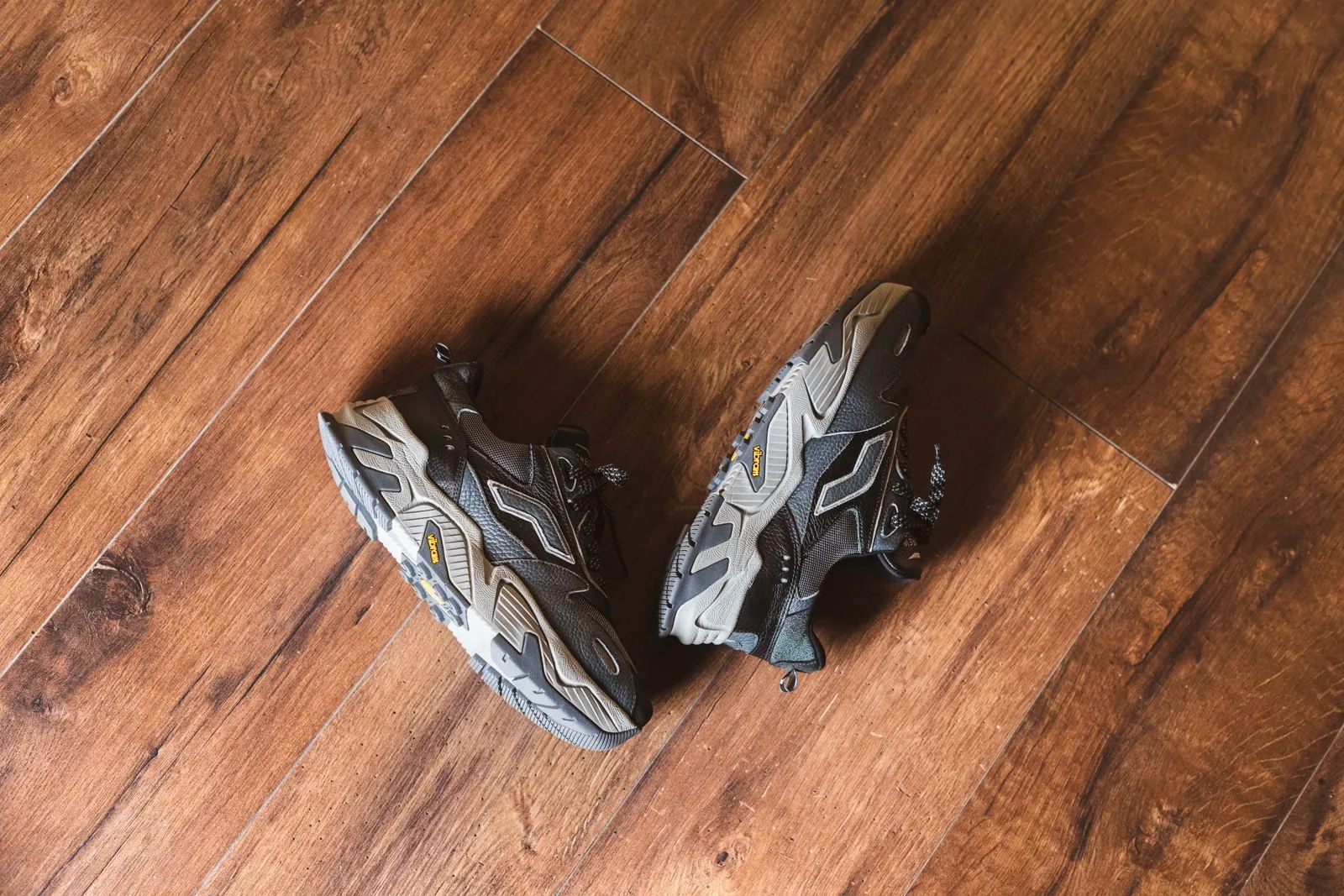
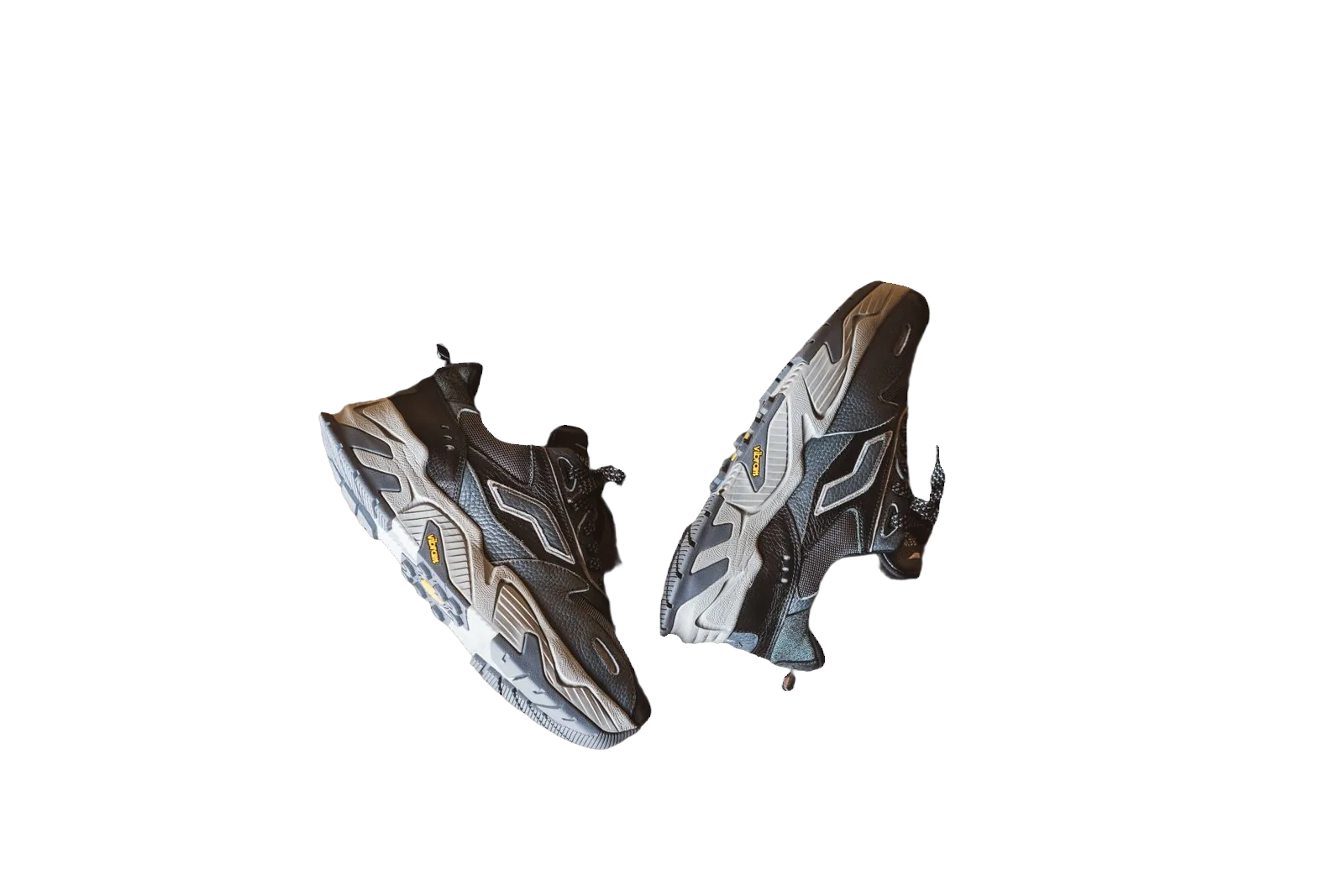
Amazon main images have clear, published expectations. For many product categories the main image should show the product on a pure white background — RGB 255, 255, 255 — with the product filling a large share of the frame (Amazon’s help pages describe at least 85% of the image area for main images in many cases). Off-white paper, grey sweep and room clutter can put a listing at risk of poor presentation or policy issues.
bgready helps you get from a real photo to a white main image without a studio sweep. Remove the original background, composite onto pure white, and use the Amazon main image size preset (2000×2000 with a tight subject margin) so the product sits large in the square frame.
What Amazon’s main-image guidance covers
Amazon’s seller help documents describe technical and content rules for main images. Typical themes include:
- Pure white background (RGB 255, 255, 255)
- Product occupying a large portion of the frame (often cited as ≥ 85%)
- No logos, watermarks, inset graphics or text overlays on the main image
- Accurate representation of the product sold
Always check the current Amazon seller help (or your regional Seller Central equivalent) for your category. Rules can differ by marketplace and product type; bgready does not replace those documents.
Using the Amazon preset in bgready
- Upload your product photo and wait for the cut-out.
- Open the editor and set the background to pure white.
- Choose the Amazon main image size preset — square 2000×2000 with a subject margin tuned for the ~85% framing guidance.
- Review edges (especially light products on white) and download JPG or PNG HD when ready.
The preset is a framing aid, not a certification. You should still verify colour, crop and category-specific requirements before you publish.
Shooting tips that make Amazon whites easier
Photograph the product in even light. Hard shadows and coloured bounce from nearby walls make cut-outs harder and can leave colour casts on white. If you must shoot on a desk, leave space around the product so the algorithm can see a clear silhouette. Keep the camera square to the product for apparel flat-lays and packshots; perspective distortion wastes frame area you need for the 85% rule.
For jewellery and small items, fill the frame in-camera first. Upscaling a tiny subject later softens detail that Amazon shoppers zoom into.
White vs lifestyle images
Amazon often allows additional images that show lifestyle context. Keep the main image simple and white; use secondary slots for scale, in-use shots or AI scenes. That split matches how many shoppers scan search results: they need instant product recognition, then proof and context.
Batching catalogue SKUs
Brands with many ASINs can process photos through multi-upload, the API or store plugins, then apply the same white + Amazon framing workflow. See bulk background removal and the background removal API.
Related pages
Compare Etsy and eBay white-background workflows, or start from general product photo background removal. Our marketplace requirements guide (2026) links official help pages.
Open the editor, remove the background, set pure white and try the Amazon main image preset on your next listing photo.
Ready to try it?
Upload a product photo and get a free preview cut-out.
Open editor with Amazon preset tipsFAQ
What white does Amazon expect for main images?
Amazon’s main-image guidance calls for a pure white background — RGB 255, 255, 255 — not off-white or grey.
How large should the product be in the frame?
Amazon asks that the product occupy at least 85% of the image area for many main-image categories. Our Amazon main image preset uses a tight subject margin to help you meet that framing.
Can I export JPG for Amazon?
Yes. After cut-out, set a white background and download JPG or PNG. Use the Amazon size preset (2000×2000) when you need a square marketplace frame.
Does bgready guarantee listing approval?
No. Marketplace policies change and category rules vary. We help you produce images that follow published main-image guidance; you remain responsible for compliance.