Shopify background remover
Clean product images for your Shopify store — one-off in the editor or in bulk via the app.
Before and after
Examples from our own demo images — original on the left, cut-out on the right.

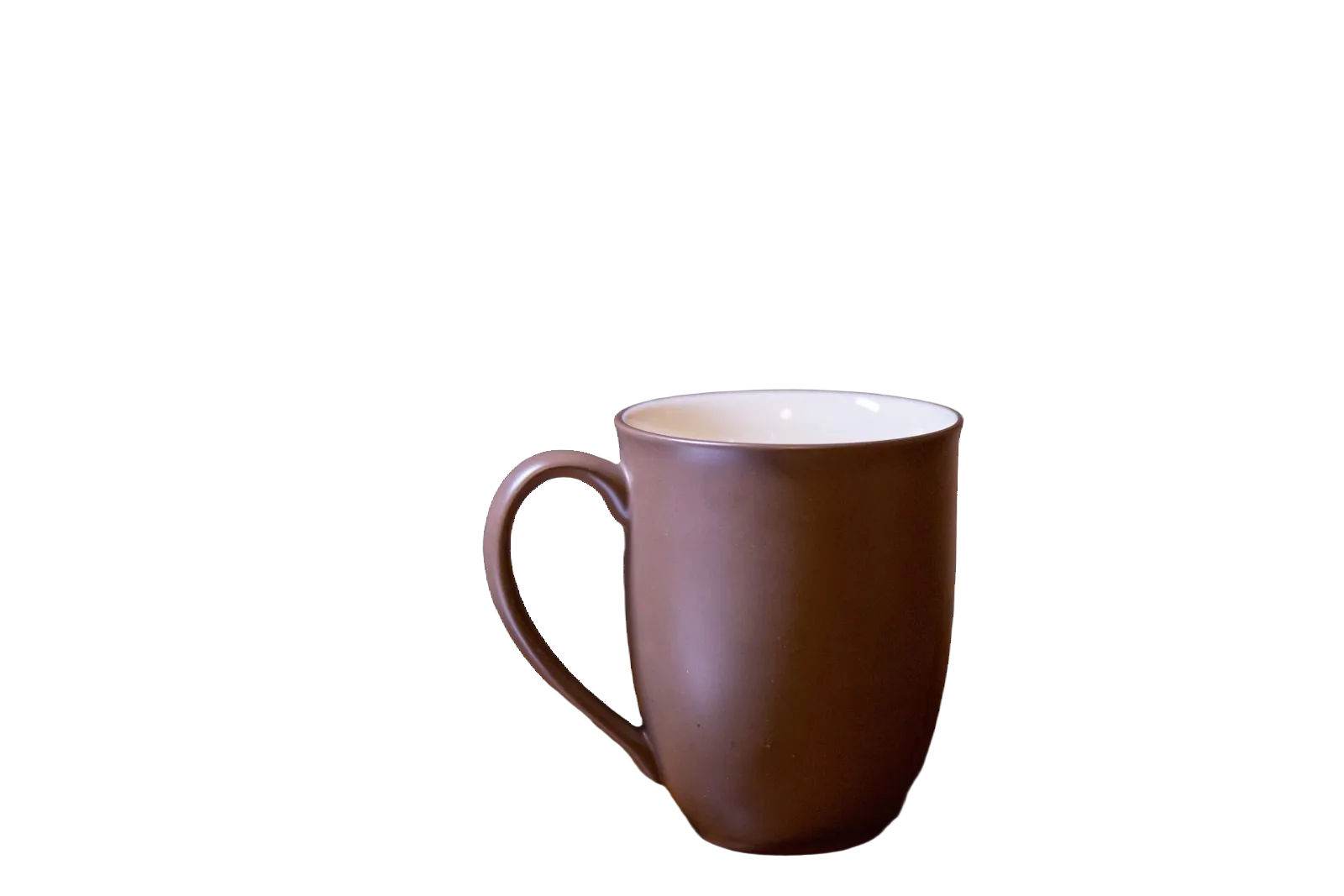
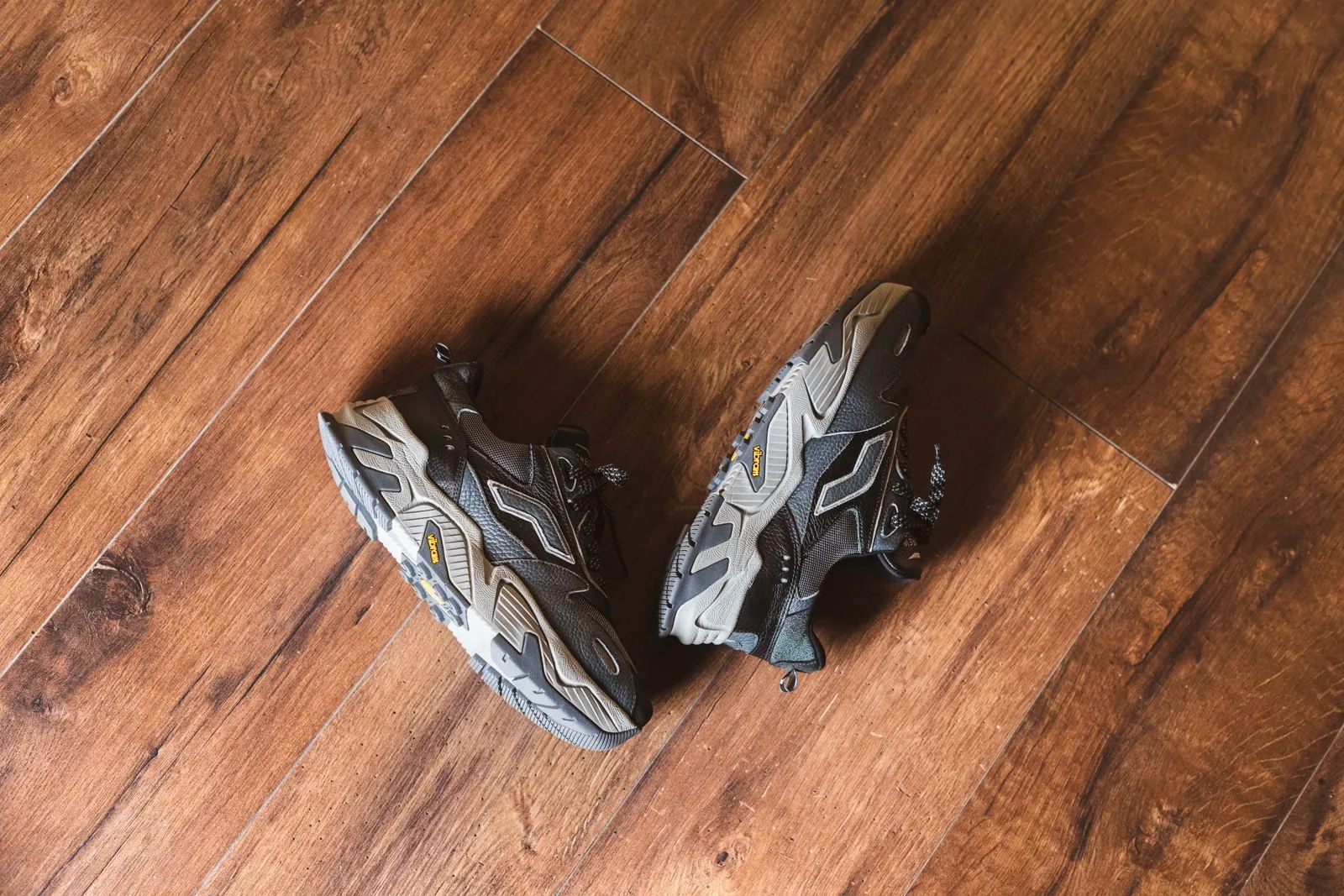
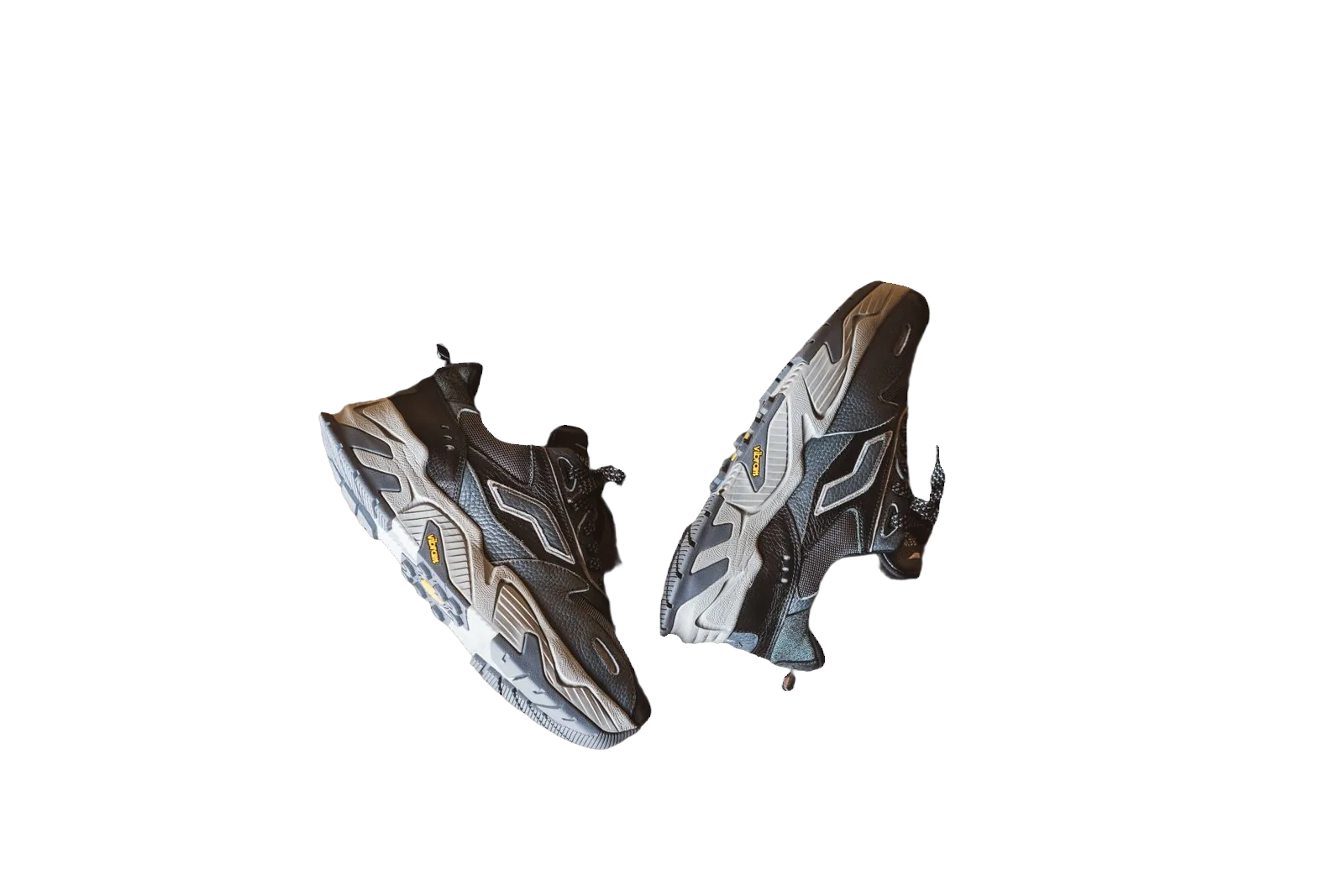
Shopify themes expect clean product media. Mixed backgrounds from suppliers make a store feel unfinished, especially on collection pages where cards sit side by side. A Shopify background remover workflow — cut out, then white or transparent — keeps your catalogue coherent without reshooting every SKU.
bgready supports Shopify merchants in two ways: the web editor for individual and small-batch photos, and a Shopify app for processing product media in store. Both paths use your bgready account credits and short image retention.
Why Shopify catalogues need consistent cut-outs
Themes crop and letterbox images differently. Transparent PNGs let products sit on theme-coloured cards; white JPEGs suit marketplaces you also sell on. Starting from a high-quality cut-out means you can export either without another removal pass.
The editor includes a Square · Shopify size preset (2048×2048) so you can frame products for common grid layouts. Combine that with white or transparent output depending on your theme.
Web editor workflow
- Export or download product images from Shopify admin (or shoot new ones).
- Upload to bgready — multi-select for several variants.
- Review cut-outs, set background and size.
- Download HD and replace media in Shopify, preserving alt text where your process requires it.
For ongoing intake, install the app so new media can be processed according to your settings. Setup notes live in the API docs Shopify section.
App vs editor vs API
- Editor — best for creative control, AI scenes and one-off fixes.
- Shopify app — best when products arrive regularly and you want repeatable automation.
- REST API — best when your own ERP or middleware owns the image pipeline (background removal API).
Choose based on who uploads photos day to day. Many stores use the editor for hero SKUs and automation for the long tail.
Theme and CDN considerations
Shopify’s CDN serves multiple sizes. Upload the largest clean master you can; let Shopify derive smaller widths. Avoid stacking multiple compressions (export low-quality JPG, upload, download, re-upload). Prefer PNG for transparency and high-quality JPG for white backgrounds.
If you sell the same catalogue on Amazon, keep a white Amazon-framed derivative — white background for Amazon — separate from lifestyle images used on the storefront.
Bulk operations
Migrating hundreds of SKUs? Use bulk background removal, batches and ZIP download, then re-import. For supplier drops, connect the API once and stop hand-editing every file.
Related pages
See also WooCommerce background remover, AI product photo backgrounds and our marketplace requirements guide.
Try a product photo in the editor now, or follow the docs to install the Shopify app for catalogue automation.
Merchandising and conversion notes
Collection pages with mismatched backdrops look unfinished even when products are strong. Aligning cut-outs also helps A/B tests: when only the product changes, you learn about the product — not the kitchen behind it. For gift guides and landing pages built in Shopify themes or page builders, transparent PNGs layer cleanly over seasonal colours without a white box.
If your store uses metafields for swatches, keep naming consistent with image filenames so ops can replace media without hunting. Document whether your brand standard is transparent or white so freelancers do not mix both in one collection.
Ready to try it?
Upload a product photo and get a free preview cut-out.
Try the editorFAQ
Is there a Shopify app?
Yes. bgready offers a Shopify app that processes product media. See the API docs for the partner install path and setup notes.
Can I process images before I upload to Shopify?
Yes. Use the web editor for individual shots or small batches, then upload the results to your store.
Does this replace theme image settings?
No. Themes still control how images display. We help you produce clean source files (transparent or white).
What about square Shopify images?
The editor includes a Square · Shopify size preset (2048×2048) so you can frame products for common theme grids.